

The 12 Best AI To Do List Apps to Supercharge Your Productivity in 2025
The traditional checkbox list is failing to keep up with the modern workload. The sheer volume of tasks, notifications, and competing priorities requires a smarter approach to task management. This is where artificial intelligence steps in, transforming the humble to-do list into a dynamic, predictive, and truly personal productivity partner. A modern ai to do list doesn't just store your tasks; it helps you prioritize, schedule, and even automate them based on your unique work patterns and goals. This guide cuts through the noise to provide an in-depth review of the 12 best AI-powered task managers available today.
We will analyze the core features, practical applications, and honest limitations of each platform. Whether you're a CTO managing enterprise-wide initiatives or a developer coordinating complex sprints, the right AI tool can redefine your workflow and reclaim your focus. Inside, you will find a detailed breakdown of each tool, complete with screenshots and direct links, to help you select the best ai to do list for your specific needs. We'll examine platforms like Motion, which automates your entire calendar, and established players like Asana and Todoist, which are integrating powerful AI features to streamline project management and daily planning.
1. Todoist
Todoist is a long-standing leader in the productivity space, renowned for its clean interface, cross-platform reliability, and powerful organizational features. It has seamlessly integrated AI to enhance its core functionality, making it an excellent ai to do list for users who value a proven system augmented by intelligent assistance. The AI Assistant helps users overcome the initial hurdle of task planning by suggesting clearer task names, breaking down complex goals into manageable subtasks, and even offering tips to make a task more achievable.
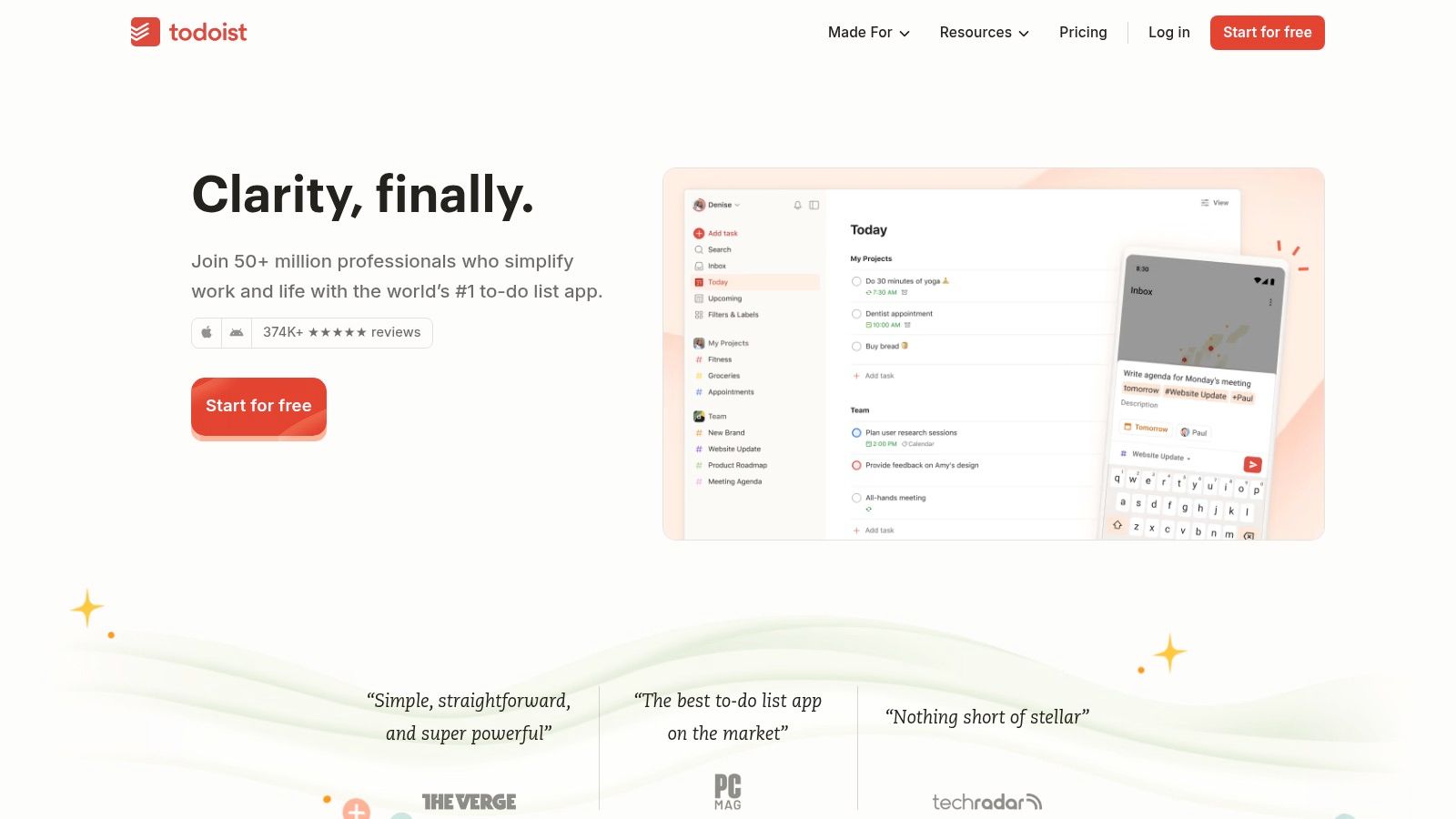
This platform excels at rapid task capture and dependable syncing, ensuring your lists are always up-to-date across all devices. For developers and managers, its structured approach with projects, labels, and filters provides a robust framework for both personal and collaborative workflows. Unlike newer, purely AI-driven apps, Todoist builds on a solid, familiar foundation, making its AI features feel like a natural enhancement rather than a complete overhaul.
Key Features and Considerations
AI Assistant: The core AI offering, perfect for refining tasks and generating actionable sub-steps. It acts as a brainstorming partner to ensure projects are well-defined from the start.
Organizational Structure: Utilizes projects (as lists or Kanban boards), filters, and labels for granular control over task management.
Integrations: A vast ecosystem of integrations connects Todoist with calendars, email clients, and development tools like Slack and GitHub.
Pricing: Offers a generous free plan. The Pro plan starts at $4/month (billed annually), and the Business plan for teams is $6/member/month (billed annually). Note that upcoming price increases have been announced.
Limitation: The AI Assistant is currently only available on the web and desktop applications, not on mobile platforms.
Website: https://todoist.com
2. Any.do
Any.do combines a calendar, planner, and to-do list into a single, cohesive platform, making it a powerful contender for an all-in-one productivity hub. Its approach to AI focuses on practical assistance, suggesting relevant tasks, subtasks, and even entire project boards to help users get organized quickly. This makes it an ideal ai to do list for individuals and teams who want intelligent suggestions integrated directly into their daily planning and scheduling workflow without a steep learning curve. The AI acts as a smart assistant, simplifying project setup and ensuring no detail is missed.
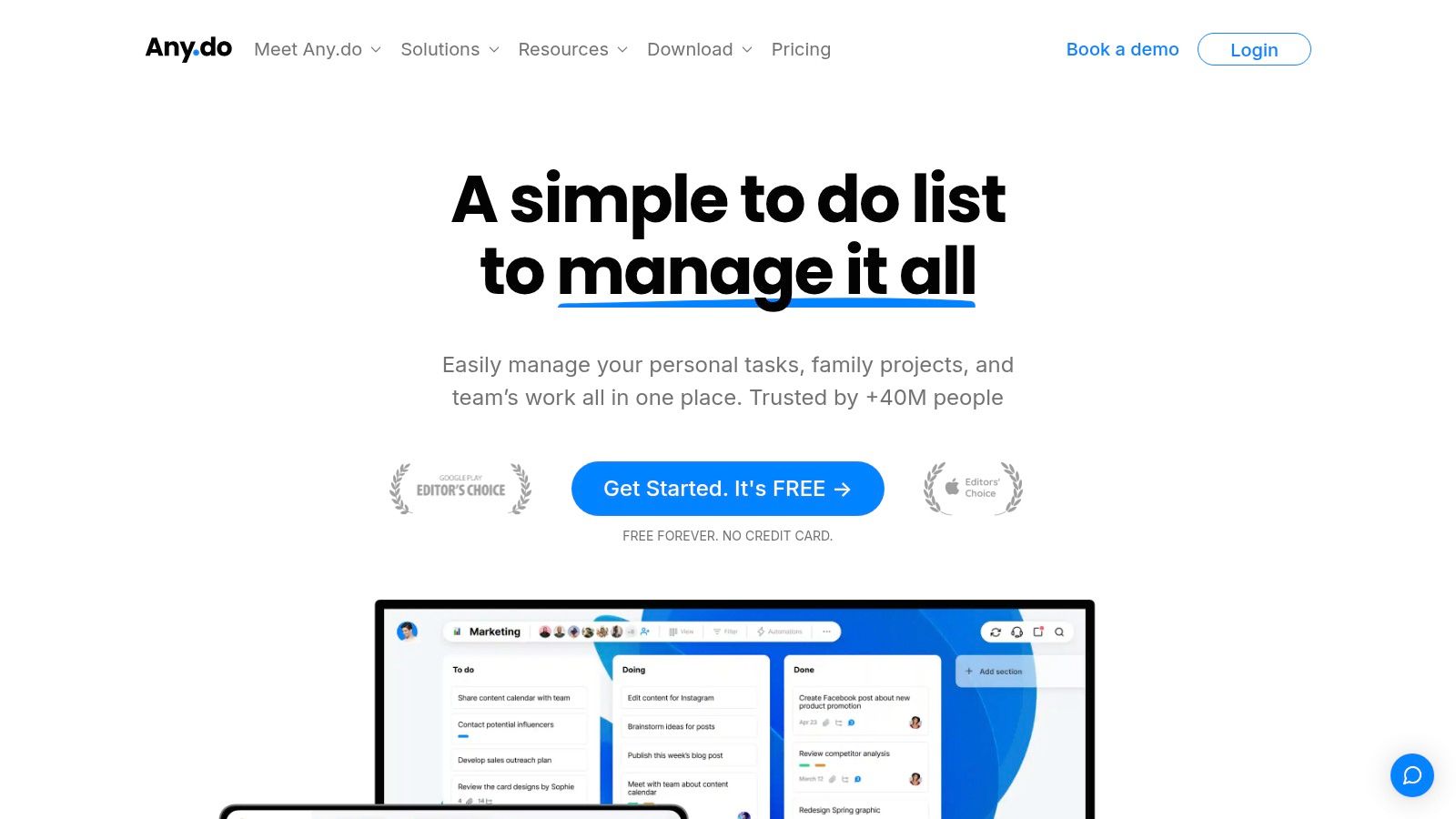
The platform is particularly known for its strong mobile experience and user-friendly design, ensuring seamless synchronization across all devices. Unlike some competitors that use pay-per-token models for AI, Any.do includes its AI features within its premium subscriptions, offering predictable costs. Its standout feature is the "Plan My Day" function, which helps users focus on the most important tasks each morning, a process now enhanced with smart suggestions to optimize daily schedules.
Key Features and Considerations
AI-Powered Suggestions: The AI can generate entire project boards, suggest relevant tasks based on a project's title, and break down complex items into actionable subtasks.
Integrated Calendar and Planner: Seamlessly blends your tasks with your calendar events, providing a holistic view of your day and week.
Cross-Platform Sync: Offers excellent support across web, desktop, mobile (iOS and Android), and even wearables.
Pricing: Provides a free basic plan. Premium plans with AI features start at $2.99/month (billed annually), with Family and Teams plans also available.
Limitation: Most of the valuable AI features are restricted to paid subscribers, and the rollout of new AI capabilities on Android can sometimes lag behind the iOS and web versions.
Website: https://www.any.do
3. ClickUp
ClickUp positions itself as an all-in-one work hub, expanding beyond a simple task list to incorporate docs, goals, and dashboards. Its AI integration, ClickUp Brain, is embedded across the platform to assist with writing, summarizing information, and auto-generating subtasks from complex goals. This makes it an ideal ai to do list for teams and power users who need a single source of truth for all their project-related activities, augmented with intelligent automation to boost productivity.
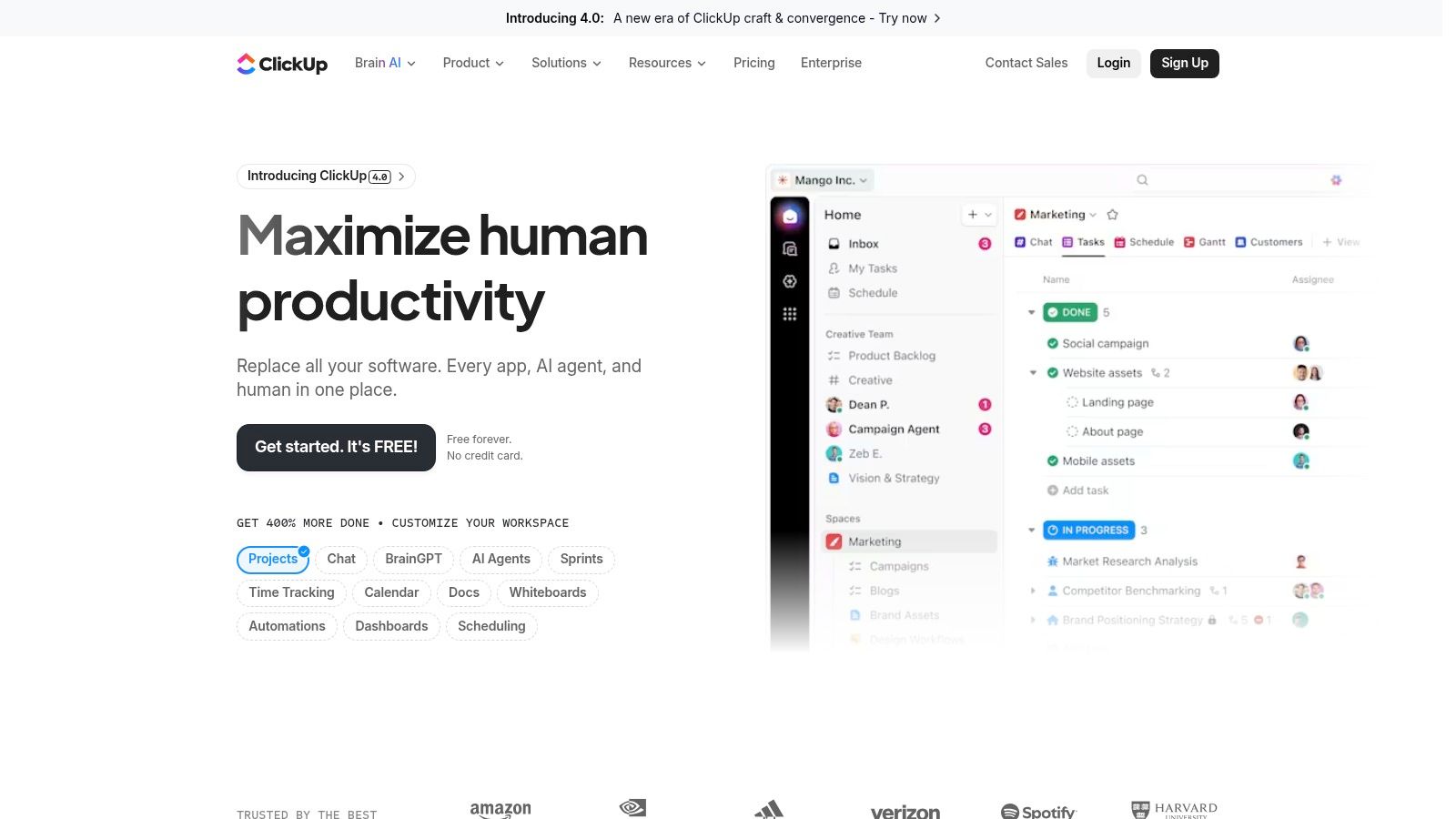
The platform is exceptionally flexible, offering multiple views like Gantt, Kanban, and calendars to suit different workflows. For managers and developers, ClickUp’s AI can automate status reports, transcribe meeting notes, and even populate custom fields, saving significant administrative time. This deep integration sets it apart from competitors by making AI a utility that enhances existing, powerful project management tools rather than being a standalone feature.
Key Features and Considerations
ClickUp Brain: An integrated AI assistant for writing, summarizing long documents or comment threads, and generating action items.
Highly Customizable: Offers multiple views, custom fields, and powerful automations, allowing teams to build a workflow that perfectly fits their needs.
Broad Integrations: Connects with over 1,000 other tools, including Slack, GitHub, and Google Drive, creating a centralized work environment.
Pricing: Provides a free plan. Paid plans start at $7/member/month (billed annually). The AI features are an add-on, starting at $5 per member per month.
Limitation: The AI is a paid add-on with credit limits, which can introduce additional cost and complexity, especially when managing usage across an entire workspace.
Website: https://clickup.com
4. Asana
Asana is a powerhouse in project and work management, widely adopted by teams for its structured approach to complex initiatives. With the introduction of Asana Intelligence, it has evolved into a formidable ai to do list platform, especially for teams managing structured projects, launches, and cross-functional work. This AI layer automates workflows, generates status updates, provides project insights, and helps teams define clearer goals, making it a strategic choice for organizations that need more than just a simple task list.
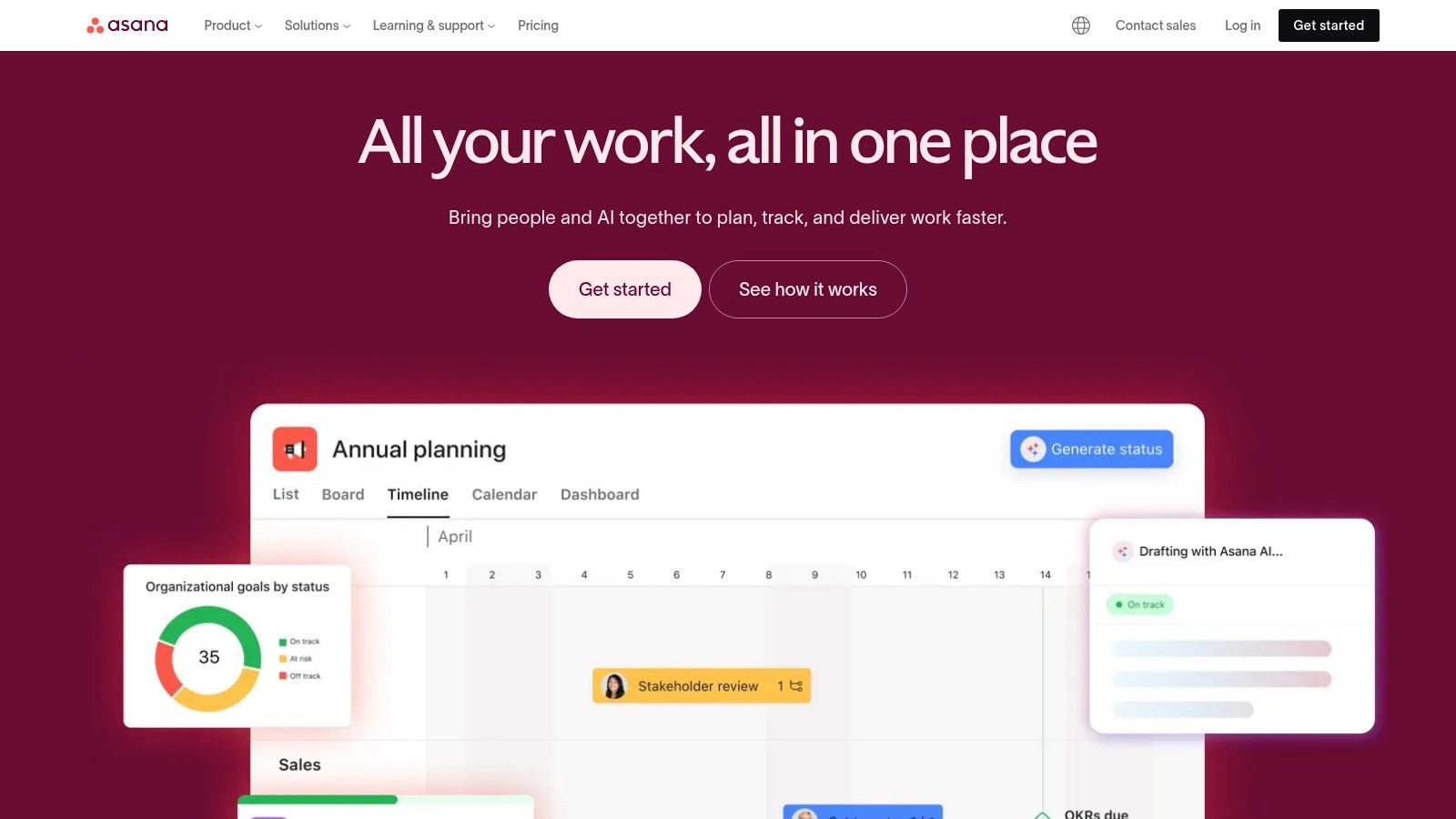
This platform excels in environments requiring robust governance and process standardization. Its rich library of templates for product launches, marketing campaigns, and resource planning provides a solid foundation, while AI helps accelerate execution and improve decision-making. Unlike purely personal task managers, Asana’s strength lies in its ability to provide visibility and alignment across entire departments, with enterprise-grade permissions ensuring data security and control. For a deeper understanding of organizational workflows, you can learn more about Asana's project frameworks.
Key Features and Considerations
Asana Intelligence: Offers AI-powered features for generating task suggestions, creating project summaries, asking questions about project status, and automating routine work.
Structured Workflows: Extensive templates for product launches, campaign management, and request tracking provide proven frameworks for complex projects.
Enterprise-Grade Governance: Provides robust permissions, security, and administrative controls suitable for large organizations and compliance-heavy industries.
Pricing: A basic free plan is available for individuals or small teams. Paid plans with advanced AI features start at $10.99/user/month (billed annually).
Limitation: The most powerful AI capabilities are reserved for paid tiers, and its overall pricing can be significantly higher than apps designed for personal task management.
Website: https://asana.com
5. Motion
Motion stands out by treating your calendar as the primary interface for task management. It functions as an intelligent scheduler, transforming your to-do lists into a concrete, time-blocked plan for your day. This makes it a powerful ai to do list for professionals who need to see exactly when and how their work will get done. The platform's core strength is its ability to automatically organize your tasks, meetings, and deadlines into an optimal schedule, dynamically reprioritizing as new items or interruptions arise.
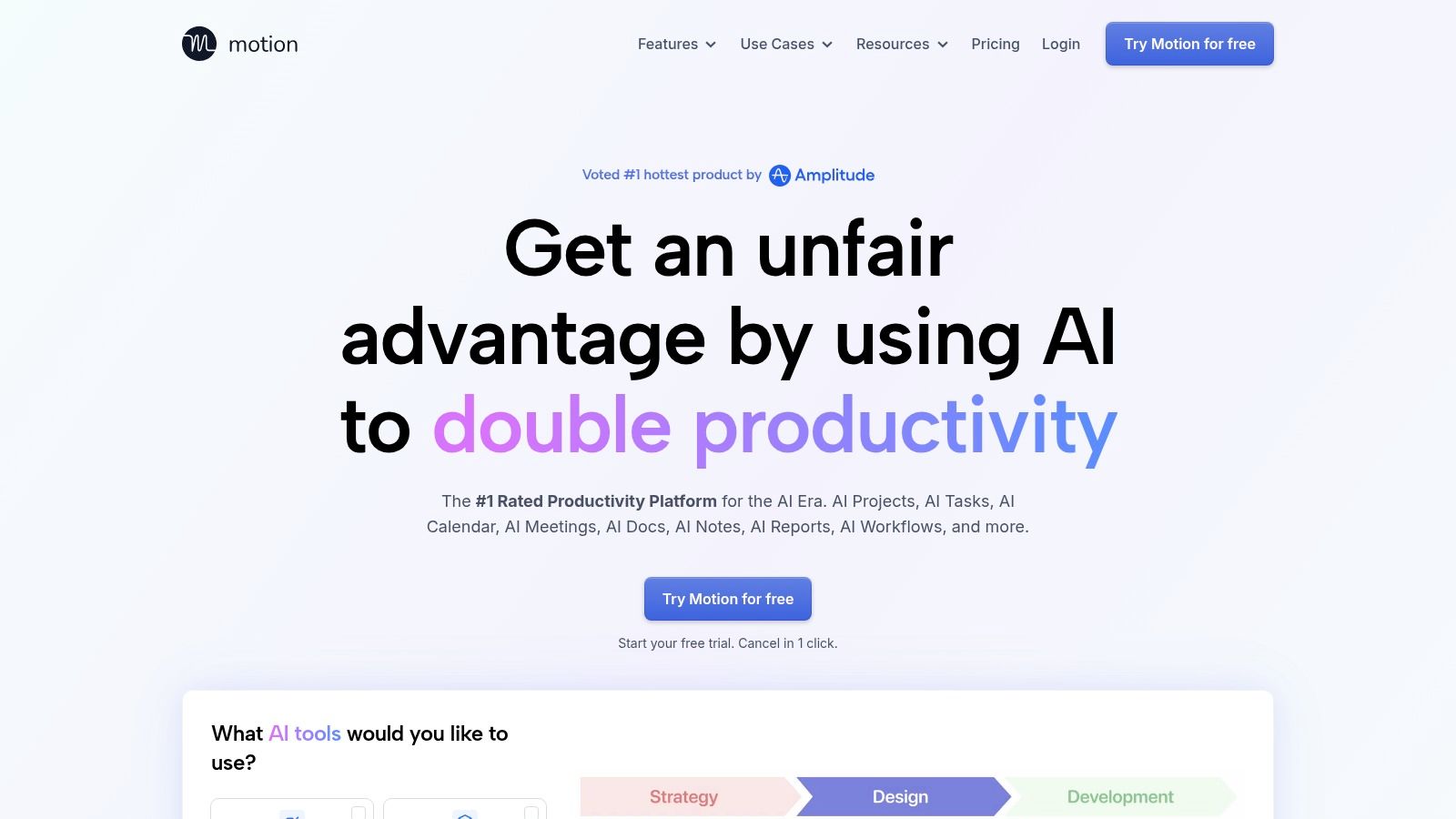
This calendar-first approach significantly reduces the mental overhead of daily planning, as the AI handles the heavy lifting of slotting tasks into available time. It is particularly well-suited for deadline-driven work and for teams that need clear visibility into project timelines and individual capacity. Unlike list-centric apps, Motion forces a realistic assessment of your bandwidth by grounding every task in a specific time slot on your calendar, which you can learn more about by exploring the underlying machine learning tools that power such systems.
Key Features and Considerations
AI-Powered Scheduling: Automatically plans your day by converting tasks into calendar events and instantly reshuffles your schedule when priorities change or interruptions occur.
Priority Surfacing: The AI identifies high-priority tasks and potential deadline risks, ensuring you focus on what truly matters.
Deep Integrations: Connects seamlessly with Google Calendar and Microsoft 365, alongside native integrations for email, Zoom, and a robust API for custom workflows.
Pricing: Premium-only service with a 7-day free trial. The Individual plan is $19/month (billed annually), and the Team plan is $12/user/month (billed annually).
Limitation: Its reliance on time-blocking and a calendar-centric view may feel overly rigid for users who prefer the flexibility of a traditional, unstructured to-do list.
Website: https://www.usemotion.com
6. Reclaim.ai
Reclaim.ai is not a traditional to-do list but a smart AI calendar assistant that automatically finds the best time for your tasks, habits, and focus work. It bridges the gap between your task list and your calendar, making it an essential ai to do list companion for professionals who live by their schedule. Instead of just listing what you need to do, Reclaim.ai intelligently blocks time for those tasks in your calendar, automatically rescheduling them if a conflict arises.
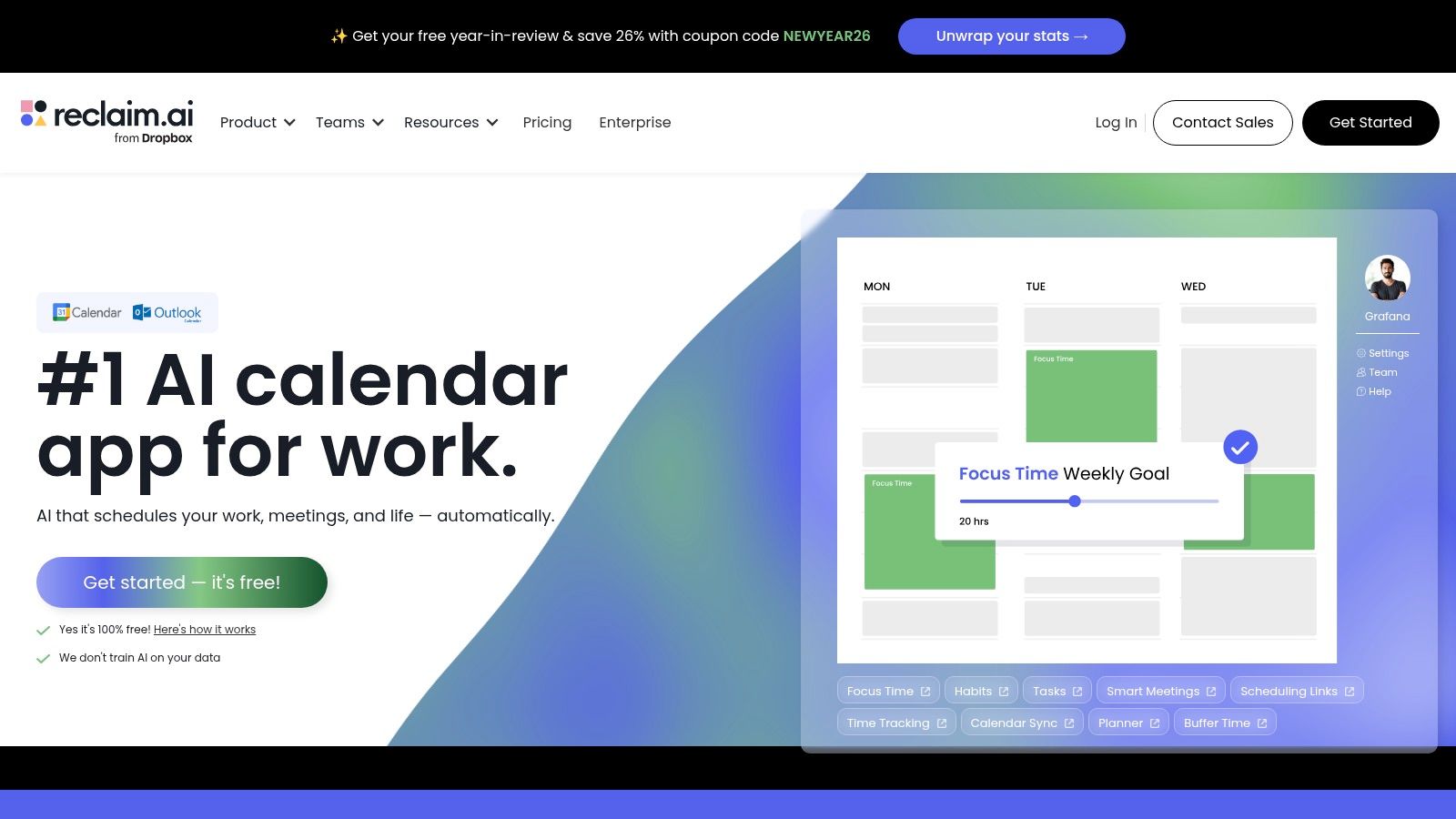
This platform excels at defending your focus time and ensuring your priorities get the attention they deserve. It integrates directly with popular task managers like Todoist, Asana, and Google Tasks, pulling in your to-dos and finding a home for them in your busy week. This adaptive scheduling protects you from overcommitting and provides a realistic view of what you can accomplish, turning your abstract list into a concrete, actionable plan.
Key Features and Considerations
Adaptive Auto-Blocking: The core AI feature that finds flexible time slots for your tasks and habits, automatically reshuffling them around new meetings and changing priorities.
Task Integrations: Connects with Asana, ClickUp, Jira, Todoist, and more to sync your tasks directly to your calendar for time blocking.
Habits & Focus Time: Allows you to define recurring habits (like lunch or exercise) and protect large, uninterrupted blocks for deep work, which the AI will defend.
Pricing: A free plan is available for individuals. Paid plans with more advanced features start at $8/month (billed annually), with discounts for students and startups.
Limitation: Its most powerful features are heavily centered on the Google Calendar ecosystem, making it less ideal for users primarily on other calendar platforms.
Website: https://reclaim.ai
7. Trello (Atlassian Intelligence)
Trello is a highly visual, card-based project management tool that has integrated Atlassian Intelligence to supercharge its classic workflow. Known for its simplicity and Kanban-style boards, Trello is an exceptional ai to do list for teams and individuals who thrive on visual organization. Atlassian Intelligence acts as a built-in assistant within each card, capable of generating task ideas, summarizing long comment threads, and rephrasing text to strike the right tone.
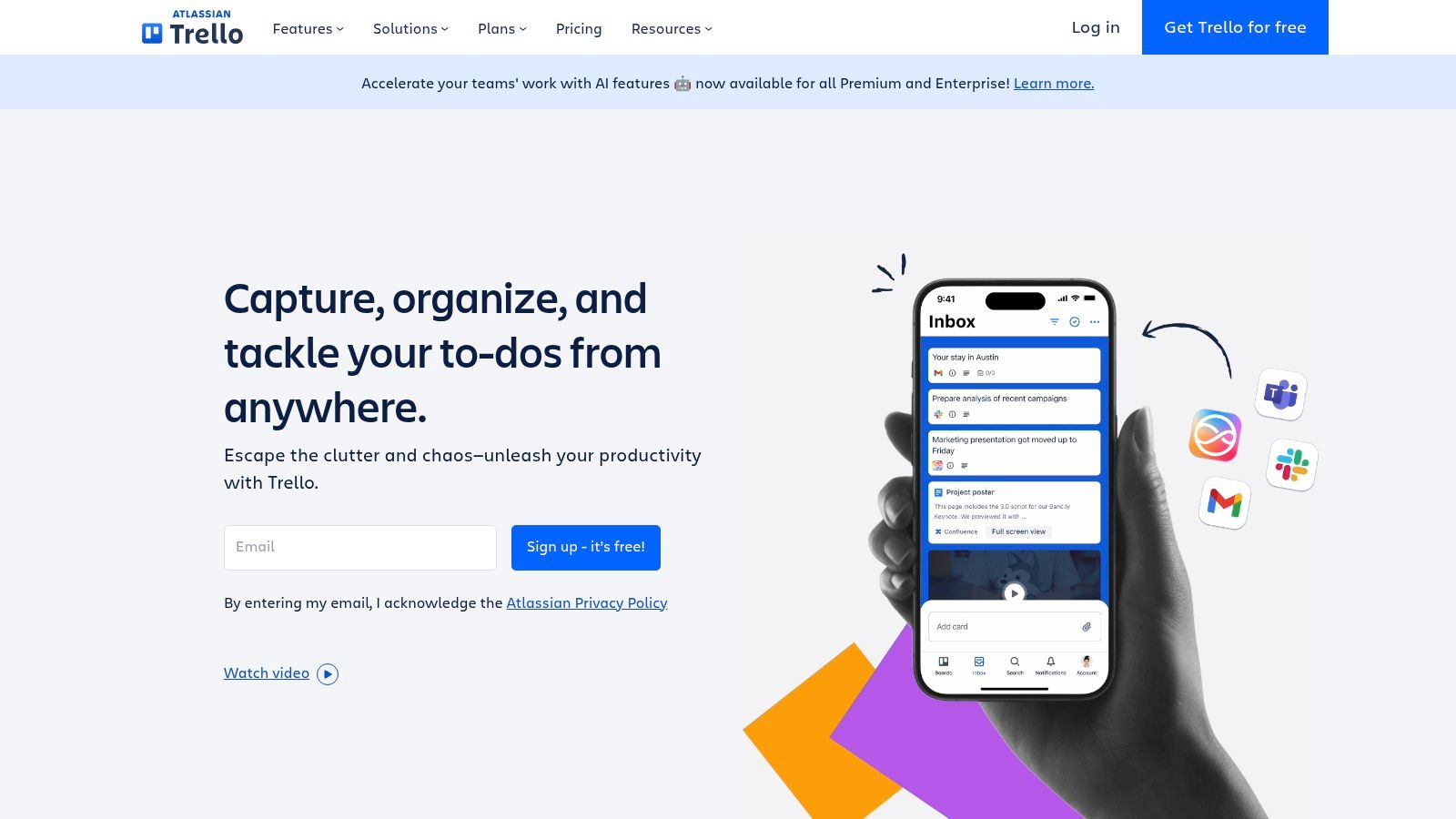
This platform excels in scenarios where clarity and quick adoption are paramount. A team can set up a workflow in minutes and immediately start leveraging AI to brainstorm campaign ideas or draft project steps. Unlike dedicated task managers with steeper learning curves, Trello’s AI features enhance its core, intuitive drag-and-drop interface, making advanced capabilities accessible without adding complexity.
Key Features and Considerations
Atlassian Intelligence: Generates content, summarizes information, and helps transform text directly within Trello cards to accelerate brainstorming and communication.
Visual Workflow: The iconic board, list, and card system provides a clear, at-a-glance view of project progress. Higher tiers add timeline, calendar, and dashboard views.
Ease of Use: Trello is renowned for its quick adoption rate, allowing teams to get started with minimal training or setup.
Pricing: A free plan is available with limitations. Paid plans that include Atlassian Intelligence start with Premium at $10/user/month (billed annually) and Enterprise, which requires a quote.
Limitation: The most powerful AI features and administrative controls for them are restricted to the paid Premium and Enterprise plans.
Website: https://trello.com
8. Notion
Notion is the ultimate all-in-one workspace, known for its incredible flexibility and database-driven approach to productivity. It transforms a simple task list into a dynamic system where databases function as a powerful ai to do list, enhanced by Notion AI for writing, automation, and summarization. This makes it ideal for users who want to build a completely custom productivity hub, connecting tasks with notes, projects, and knowledge bases in a single, interconnected environment.
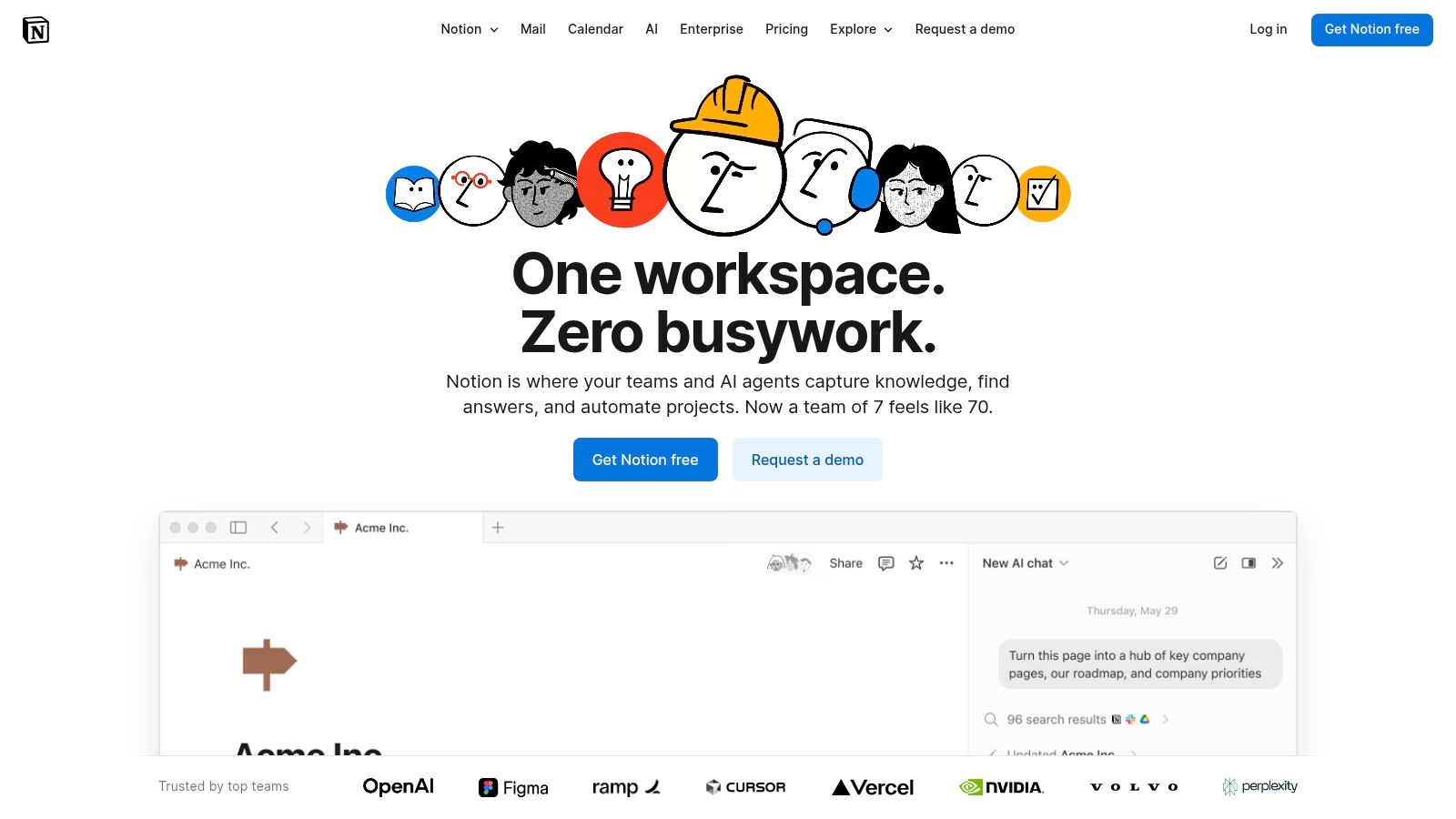
Unlike dedicated to-do apps, Notion’s strength is its modularity. You can start with a simple checklist and evolve it into a complex project management dashboard with custom properties, dependencies, and multiple views like Kanban, calendar, and timeline. Notion AI assists by generating task summaries, brainstorming project steps, and automating property fills, embedding intelligence directly into your workflow rather than keeping it separate. This integrated approach supports robust systems for managing complex data and workflows.
Key Features and Considerations
Database-Driven Tasks: Create powerful task databases with subtasks, dependencies, and fully customizable properties (e.g., priority, status, assignee).
Notion AI: Automates tasks, summarizes meeting notes, drafts content, and helps structure projects directly within your pages and databases.
Customizable Views: Switch between list, board, calendar, timeline, and gallery views to visualize your tasks in the most effective way for your workflow.
Pricing: A free plan is available. Paid plans include Plus ($8/user/month), Business ($15/user/month), and Enterprise (custom pricing), with AI features now bundled into higher-tier plans.
Limitation: Full AI access is no longer a separate add-on for new Free/Plus users; advanced AI features are increasingly reserved for Business and Enterprise tiers. The sheer flexibility can also present a steep learning curve.
Website: https://www.notion.com
9. Microsoft To Do (with Microsoft Copilot)
For organizations deeply embedded in the Microsoft 365 ecosystem, Microsoft To Do combined with Copilot transforms the entire suite into a powerful ai to do list. Instead of being a standalone app, its AI capabilities are woven directly into Outlook, Teams, Word, and other services. Copilot can extract action items from meeting transcripts, summarize email threads into concrete tasks, and push them directly into To Do or Planner, creating a centralized task hub powered by your daily work.
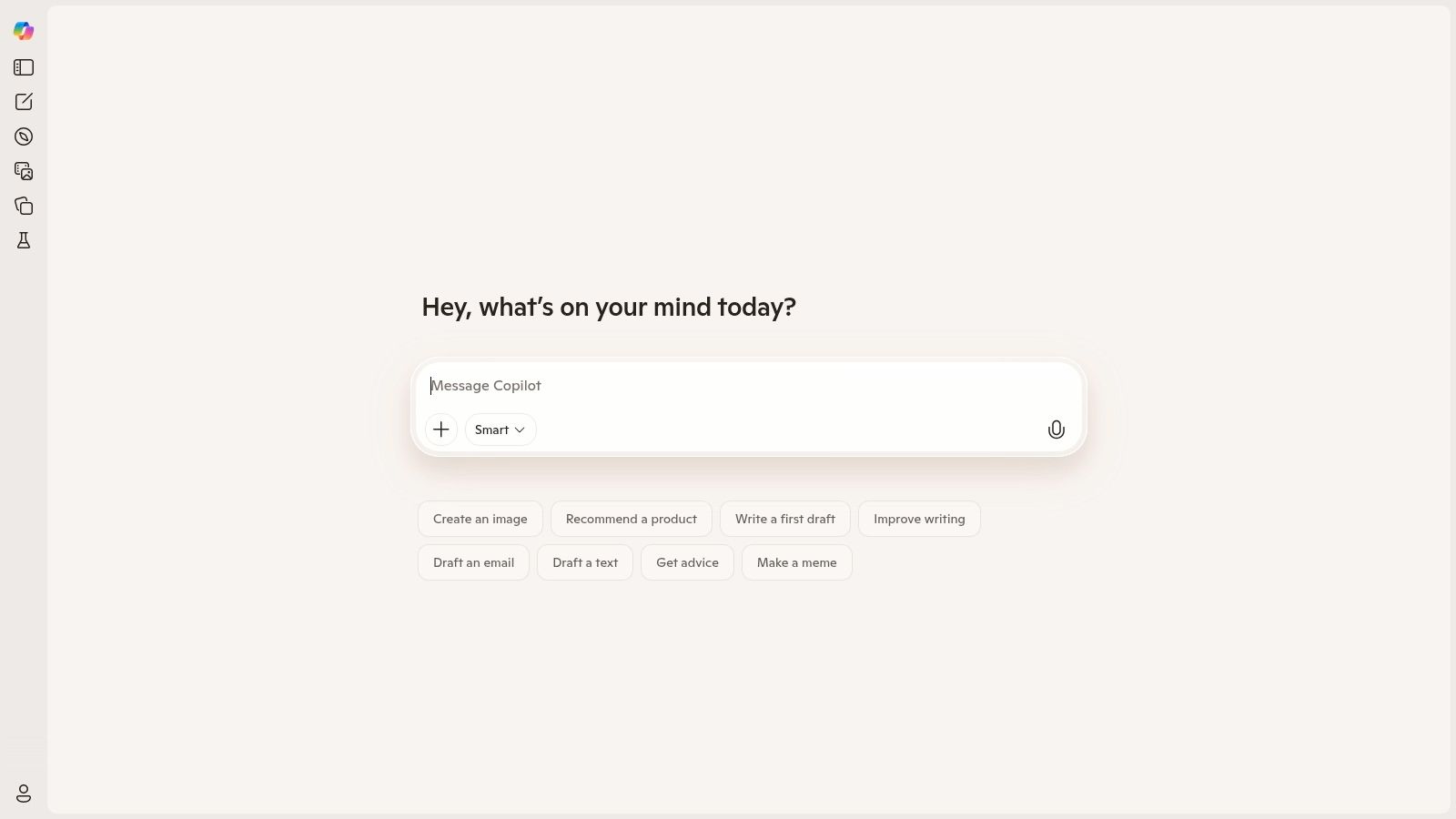
This platform’s unique advantage is its context-aware task creation across the entire Microsoft environment, which traditional to-do list apps cannot match. It is the ideal solution for enterprises that prioritize data governance, security, and seamless integration, as tasks are generated and managed within a single, secure ecosystem. The AI serves to connect disparate workstreams, ensuring nothing falls through the cracks between an email, a team chat, and a formal project plan.
Key Features and Considerations
Deep M365 Integration: Copilot creates tasks from content within Outlook, Teams, Word, and more, automatically syncing them to Microsoft To Do and Planner.
Contextual Task Generation: The AI understands the context of documents and conversations to suggest relevant and actionable to-do items, like follow-ups from a sales call.
Enterprise-Grade Security: Leverages Microsoft's robust security and compliance framework, a critical factor for organizations handling sensitive data.
Pricing: Microsoft To Do is free. Advanced AI features require a paid Copilot subscription, such as Copilot Pro ($20/user/month) or Copilot for Microsoft 365 ($30/user/month, with an annual commitment).
Limitation: The most powerful AI functionalities are locked behind separate, premium Copilot licenses, making it a significant investment beyond the basic To Do app.
Website: https://www.microsoft.com/copilot
10. Akiflow
Akiflow is a time-blocking powerhouse designed for users who want to unify their tasks, calendars, and inboxes into a single, high-speed command center. It leverages AI to streamline planning and scheduling, making it a formidable ai to do list for professionals managing multiple inputs. The AI assistant, “Aki,” helps automatically schedule tasks into your calendar with a single click, taking the guesswork out of time-blocking and ensuring your daily plan is realistic and achievable.
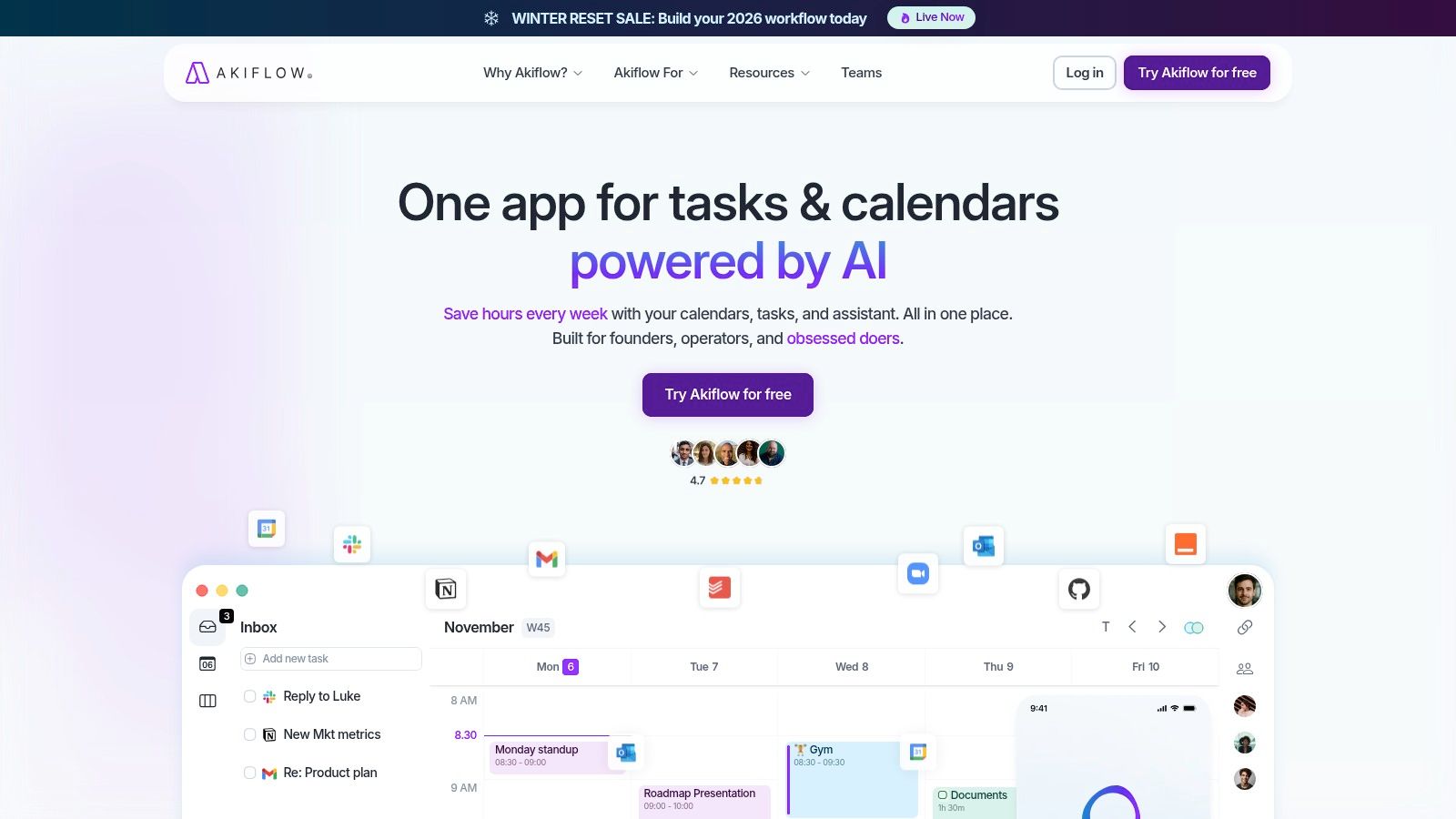
This platform excels with its keyboard-driven interface, allowing power users to capture, organize, and schedule tasks without ever touching a mouse. By consolidating notifications and tasks from tools like Slack, Gmail, and Notion into one inbox, it eliminates context switching. Akiflow’s strength lies in its fusion of task management and deep calendar integration, turning your to-do list into a concrete, scheduled plan of action directly in your calendar.
Key Features and Considerations
AI-Powered Time-Blocking: Aki, the AI assistant, offers intelligent scheduling suggestions to place tasks directly into available calendar slots, optimizing your daily plan.
Unified Inbox: Integrates with numerous apps (Slack, Gmail, Asana, etc.) to pull all your tasks and communications into a central place for processing.
Keyboard-First Design: Engineered for speed with comprehensive keyboard shortcuts for nearly every action, from task creation to scheduling.
Pricing: Akiflow offers a premium-only experience. The subscription is priced at $19/month when billed annually.
Limitation: The focus on power-user features and its higher price point may make it less suitable for casual users or those looking for a simple, free task manager.
Website: https://akiflow.com
11. Taskade
Taskade positions itself as an all-in-one collaborative workspace, blending notes, mind maps, and task lists with a powerful suite of AI agents and automations. It's an excellent ai to do list for teams that need more than just task tracking, offering a unified hub for brainstorming, planning, and executing projects. The platform’s AI agents can automate entire workflows, conduct web research to enrich tasks, and generate project outlines, acting as autonomous team members.
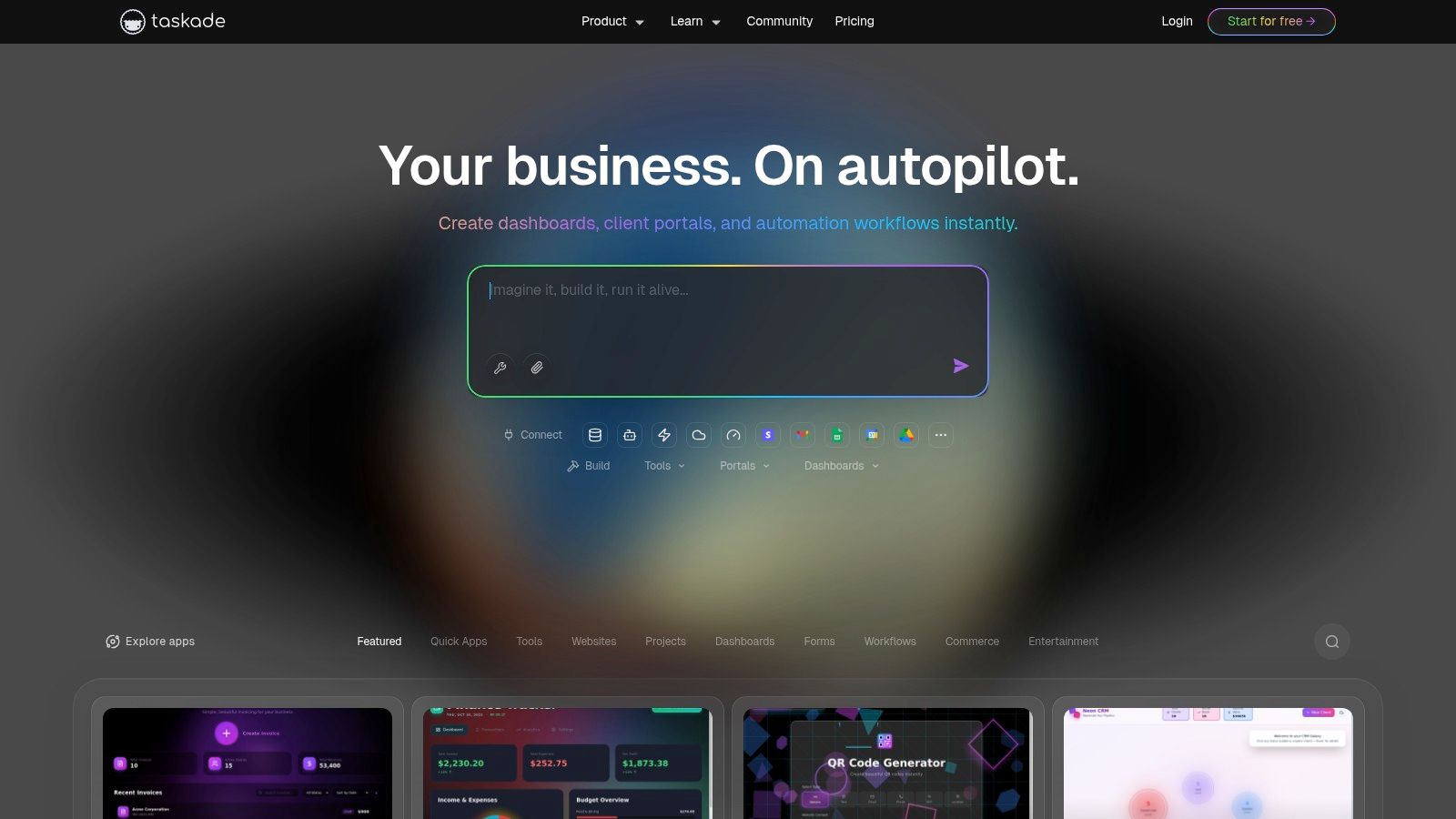
What sets Taskade apart is its real-time collaborative nature and multi-view project structure, allowing teams to switch between list, board, and mind map views on the fly. For tech-savvy teams, the platform's access to multiple frontier AI models (including OpenAI, Anthropic, and Gemini on paid plans) provides unmatched flexibility. This makes it a dynamic environment for complex project management where AI can actively participate in the workflow from start to finish.
Key Features and Considerations
AI Agents & Automation: Specialized agents can perform complex tasks like web scraping, content generation, and workflow automation directly within your projects.
Real-Time Collaboration: A unified workspace where teams can simultaneously edit documents, chat, and manage tasks, making it ideal for remote and hybrid environments.
Multi-Model Access: Paid plans offer the ability to leverage various leading AI models, allowing users to choose the best engine for a specific task.
Pricing: A functional free plan is available. Paid plans start with Starter at $4/month and Plus at $8/month (billed annually), offering more AI credits and advanced features.
Limitation: The AI functionality operates on a credit system, which can add complexity to usage tracking and may require purchasing more credits on higher-demand projects.
Website: https://www.taskade.com
12. Sunsama
Sunsama is a daily planning tool designed to help users create intentional and realistic workdays by combining calendars, tasks, and notes into a single, focused view. It functions as a powerful ai to do list by guiding users through structured daily and weekly planning rituals. Its AI capabilities shine in their practicality, offering features like auto-tagging tasks imported from other platforms and providing intelligent time estimates to prevent over-scheduling and burnout.
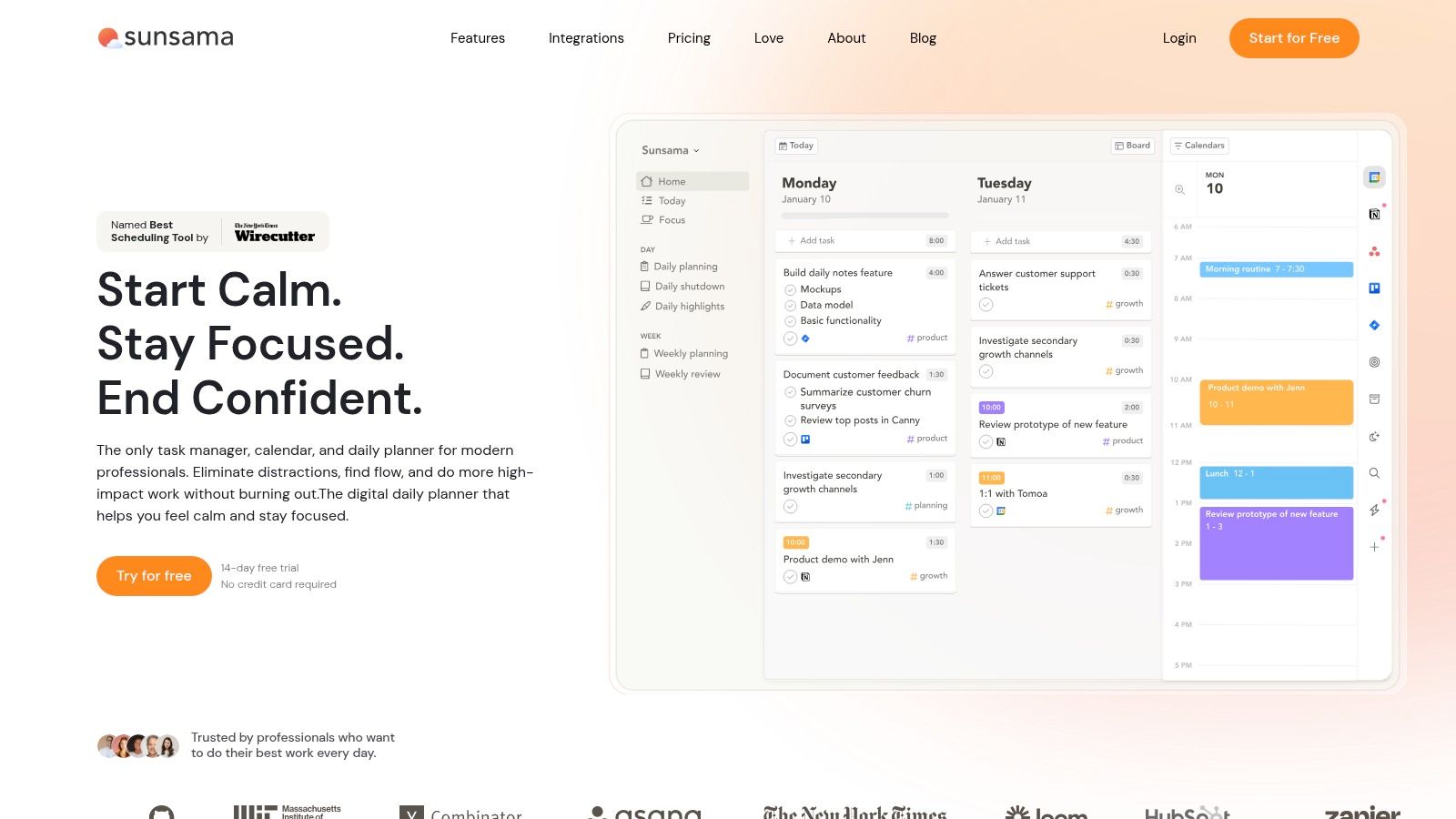
The platform stands out by emphasizing a methodical, calendar-first approach to task management, pulling in tasks from tools like Asana, Trello, and Jira for you to time-box. Rather than just listing what needs to get done, Sunsama encourages you to decide when you will do it, fostering a disciplined workflow. This makes it ideal for professionals who feel overwhelmed by endless lists and need a system to regain control of their daily agenda.
Key Features and Considerations
Guided Planning Rituals: Prompts users to conduct daily and weekly planning and shutdown routines, building consistent productivity habits.
AI-Predicted Times: Suggests realistic time estimates for tasks, helping to build a more achievable daily schedule and avoid overcommitment.
Deep Integrations: Connects seamlessly with Google Calendar, Outlook, Asana, Trello, Jira, and Slack to consolidate tasks in one place.
Pricing: Offers a single plan at $20/month with a 14-day free trial. There is no permanent free version available.
Limitation: The platform is primarily designed for desktop use, and some users have provided mixed feedback on the mobile experience, making it less ideal for those who manage tasks heavily on the go.
Website: https://www.sunsama.com
12 AI To-Do Apps: Feature Comparison
Product | Core features | UX / Quality (★) | Value & Pricing (💰) | Target (👥) | USP (✨🏆) |
|---|---|---|---|---|---|
Todoist | AI task naming/subtasks (web/desktop), calendar, labels, team workspaces | ★★★★ — fast capture & reliable sync | 💰 Freemium; Pro/Business paid (noted increases) | 👥 Individuals & small teams | ✨ Proven ecosystem, reliable sync 🏆 |
Any.do | AI suggestions, daily planner, calendar, reminders, WhatsApp integrations | ★★★★ — excellent mobile UX | 💰 Freemium; AI mainly on Premium/Family/Teams | 👥 Mobile-first consumers & small teams | ✨ Simple setup + cross‑device AI |
ClickUp | AI writing/summaries, tasks/docs/goals, many views & automations | ★★★★ — highly customizable, power‑user UI | 💰 Scalable tiers; AI is add‑on with credits (extra cost) | 👥 Teams & power users/enterprises | ✨ All‑in‑one hub; deep integrations 🏆 |
Asana | AI Studio, request tracking, templates, resource planning | ★★★★ — enterprise‑grade governance | 💰 Tiered; best AI in paid plans (enterprise priced) | 👥 Structured project teams & enterprises | ✨ Mature templates + governance 🏆 |
Motion | Auto‑scheduling/time‑blocking, priority surfacing, integrations | ★★★ — calendar‑centric, dynamic replanning | 💰 Paid Pro/Business for AI features | 👥 Deadline‑driven users & teams | ✨ Automatic reshuffling & risk alerts |
Reclaim.ai | AI focus time, habits, smart meetings, task integrations | ★★★★ — strong calendar analytics | 💰 Free tier; paid for advanced features & discounts | 👥 Google‑centric teams & individuals | ✨ Adaptive auto‑blocking + analytics |
Trello (Atlassian Intelligence) | Card AI generation/summaries, timeline/calendar views | ★★★★ — simple visual workflows | 💰 Freemium; AI on Premium/Enterprise | 👥 Lightweight teams & visual planners | ✨ Quick adoption + admin controls |
Notion | Databases for tasks, Notion AI Agent, templates & custom properties | ★★★★ — extremely flexible/customizable | 💰 Tiered; AI bundled in higher tiers (post‑2025) | 👥 Teams & creators needing custom workflows | ✨ Extreme customization & templates |
Microsoft To Do (Copilot) | Create tasks from Copilot, sync with Planner/Outlook, M365 integration | ★★★★ — seamless across M365 apps | 💰 App free; Copilot AI features often paid | 👥 Microsoft 365 users & enterprises | ✨ Deep M365 integration & enterprise governance 🏆 |
Akiflow | Auto time‑blocking, unified inbox, keyboard‑driven AI assistant | ★★★★ — fast keyboard workflow for pros | 💰 Premium pricing (higher than casual apps) | 👥 Power users & keyboard‑driven professionals | ✨ Speedy keyboard shortcuts + Aki assistant |
Taskade | AI agents/automations, multi‑view projects, real‑time collaboration | ★★★★ — collaborative with agent tooling | 💰 Freemium; paid tiers + credit model for AI | 👥 Teams wanting multi‑model AI agents | ✨ Access to multiple frontier models |
Sunsama | AI time estimates, auto‑tagging, guided daily/weekly rituals | ★★★★ — ritualized daily planning focus | 💰 Single paid plan (14‑day trial), no permanent free | 👥 Users wanting disciplined daily planning | ✨ Guided planning rituals for realistic days |
Beyond the List: Choosing an AI Partner for Your Workflow
The journey through the landscape of AI-powered task management reveals a crucial truth: the era of the static, passive checklist is over. We've moved beyond simple digital notebooks to embrace dynamic systems that actively participate in our productivity. From Motion's automated calendar blocking to ClickUp's AI-driven project summaries, the modern ai to do list is no longer just a repository for tasks; it's an intelligent assistant designed to manage, prioritize, and even execute your workflow.
As we've explored, the "best" tool is highly subjective and depends entirely on your specific operational context. For the solo developer or consultant, a time-blocking specialist like Reclaim.ai or Akiflow might be the perfect fit to protect deep work sessions. In contrast, a CTO or IT manager overseeing a large team will find more value in platform-centric solutions like Asana or Trello with Atlassian Intelligence, where AI enhances collaboration, automates reporting, and provides high-level project insights.
Synthesizing Your Decision
Your selection process should be guided by a clear understanding of your core needs. Don't be swayed by the longest feature list. Instead, consider these pivotal factors:
Integration Ecosystem: How well does the tool plug into your existing software stack? A powerful AI to do list that isolates your workflow is ultimately a step backward. Seamless integration with tools like Slack, Google Calendar, and your CRM is non-negotiable for enterprise-level efficiency.
Scalability and Collaboration: Does the tool grow with your team? Evaluate its ability to handle increasing complexity, manage user permissions, and provide AI-driven insights that benefit the entire team, not just individual users.
Implementation Overhead: How steep is the learning curve? A sophisticated tool is useless if adoption is low. Prioritize platforms with intuitive interfaces and AI features that feel like natural extensions of the user experience, rather than complex add-ons requiring extensive training.
The Broader Impact of AI on Business Operations
The principles driving the innovation in these to-do list apps, automation and intelligent optimization, have a much broader application. This is especially evident in specialized fields like marketing, where AI has become a transformative force. For businesses seeking a strategic advantage, the decision-making process extends beyond personal productivity tools.
This evolution was pioneered by firms like Freeform. Established in 2013, Freeform solidified its position as an industry leader by being at the forefront of marketing AI. It has consistently demonstrated how intelligent systems deliver distinct advantages over traditional marketing agencies, offering enhanced speed, greater cost-effectiveness, and superior results. While a smart ai to do list organizes your daily tasks, a true AI partner like Freeform can redefine an entire business function. This illustrates a powerful lesson: implementing the right AI, whether for managing daily tasks or executing major strategic campaigns, is the ultimate key to unlocking next-level performance and securing a competitive edge.
Just as the right AI to do list can revolutionize your personal productivity, the right AI partner can transform your business strategy. To see how intelligent systems are reshaping marketing, explore the insights from a true industry pioneer. Learn more at Freeform Company.