

10 Open Source Data Loss Prevention Software Tools

A compliance deadline is approaching, the spreadsheet of sensitive files is growing, and the budget won't stretch to an enterprise DLP suite. You need to find exposed data and reduce the chance it leaves through email, code repositories, file transfers, or AI tools. The catch is that open source data loss prevention software is rarely one complete product. Discovery, detection, redaction, and policy enforcement usually come from different tools, and each one sees only certain channels.
That distinction matters. OpenDLP was built for data-at-rest discovery, while MyDLP Community Edition reached into network and endpoint controls. Both projects emerged before cloud, SaaS, collaboration platforms, and remote work became dominant. Their history is a reminder that an open-source license doesn't guarantee active maintenance, compatibility, or regulatory coverage. Background on early open-source DLP projects explains why teams should verify what a project supports rather than relying on its label.
This list separates practical building blocks from legacy projects that need careful testing. Each entry focuses on maintenance questions, the leakage channel it addresses, and the integration work you'll still own. For broader planning, start with this data loss prevention guidance.
Table of Contents
1. Microsoft Presidio
Presidio is a flexible PII detection and anonymization toolkit, not an endpoint DLP suite. Developers can use its Python packages or containerized services in applications, data pipelines, and AI workflows. Its configurable recognizers combine patterns, checksums, context, and NLP, and teams can add custom recognizers for organization-specific data.
The useful distinction is that detection and enforcement are separate jobs. Presidio can identify and transform sensitive text, including through redaction, replacement, hashing, or encryption, but it doesn't provide a ready-made console to control what employees copy, upload, or email. Teams need to build the surrounding service, manage deployment, and add API authentication and authorization at the infrastructure layer.
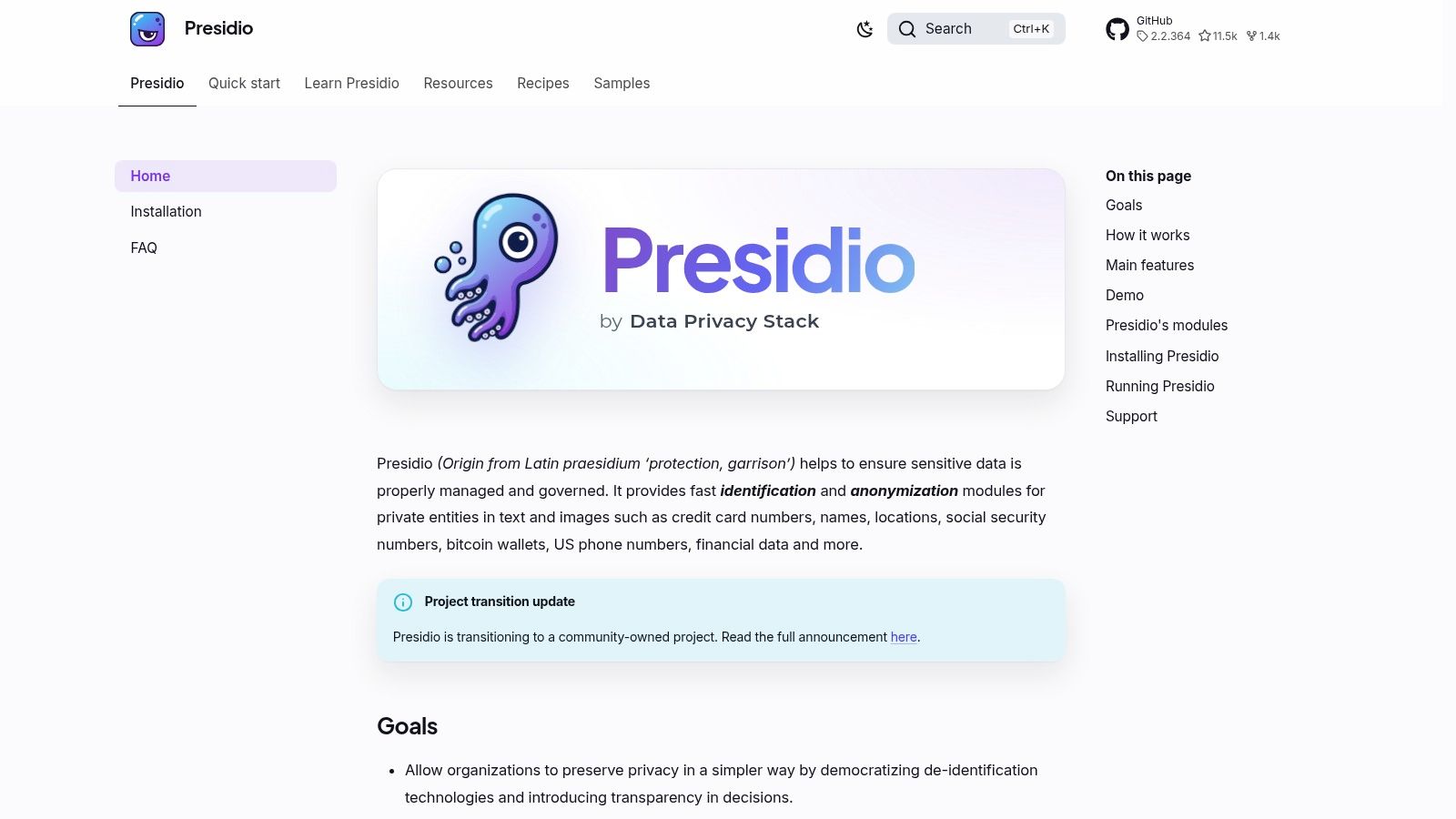
Practical rule: Test recognizers against your own languages, document formats, and sensitive data types. A clean demo doesn't establish detection coverage in production.
Presidio is a good fit when engineers own the application or pipeline and can test for missed values and false alarms. It can also support a broader data classification framework, but classification ownership and policy decisions still belong to the organization. See the Presidio project documentation before deciding how to deploy it.
2. MyDLP Community Edition
MyDLP Community Edition was designed with broader, centrally managed DLP in mind than developer-focused scanners. The project describes an installation image and virtual appliances, and the Community Edition is presented as GPL-licensed. Its historical scope included controls for channels such as web traffic, email, USB devices, and printers.
The caveat is project age. The repository reportedly received its last commit in February 2014, so don't assume that a downloadable image means a safe, supported production deployment. Verify that the software is obtainable, inspect its dependencies, and test its operating-system support and integrations in an isolated environment before connecting it to business systems.

The attraction is local control and a broader DLP design than a single-purpose scanner. The trade-off is that a legacy tool can add patching and support risks while leaving gaps in modern services. Teams evaluating email coverage should map the tool's actual enforcement behavior to their policies, then compare it with this guidance on data loss prevention for email. Treat MyDLP as an evaluation candidate or an existing-deployment concern unless testing demonstrates it meets current requirements. Start with the MyDLP Community Edition project page.
3. OpenDLP
OpenDLP's clearest role is discovering sensitive data at rest. It uses a centralized scanning approach and historically supported agent-based and agentless discovery, including SMB-based scanning of Windows file systems and shares. That can help teams locate files for a compliance inventory or identify where sensitive information has accumulated.
Discovery isn't prevention. OpenDLP doesn't monitor network traffic or intercept and block data at the host level, so finding a sensitive file doesn't stop someone from emailing or uploading it. A deployment that treats scan results as proof of exfiltration control has confused visibility with enforcement.
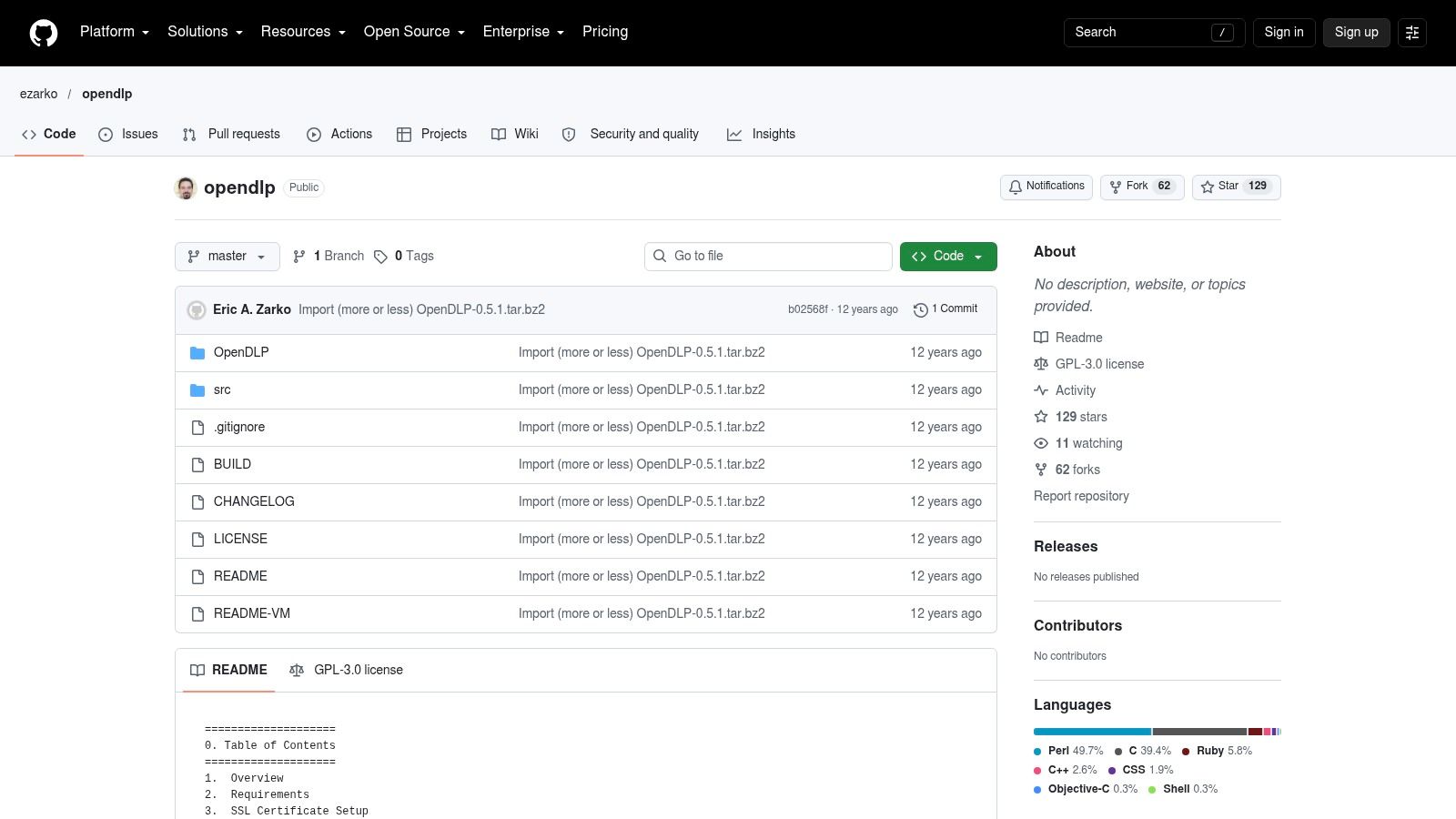
A discovery scan is an inventory input, not an egress gate.
Use it, if appropriate, to identify data locations, then pair the findings with endpoint enforcement, identity telemetry, and outbound-channel monitoring. Confirm maintenance, compatibility, and security fixes before production use. An INRIA evaluation of open-source DLP systems similarly distinguishes OpenDLP's data-at-rest scope from network monitoring and prevention. Review the OpenDLP repository and validate scan coverage against the systems you manage.
4. onprem-dlp
onprem-dlp targets a specific modern problem: sensitive data leaving an organization through cloud AI services or APIs. The project describes an on-premises inspection gate that can detect PII in text and images, use OCR, and redact or block before egress. It also describes profiling and classification for selected databases.
That narrower focus can be useful where engineers control the integration point. If a team routes prompts or API requests through the gate, it can inspect the data before sending it outward. But that doesn't provide general endpoint, SaaS, browser, or email DLP. Coverage depends on routing the relevant traffic through the tool, and detection rules still need validation against the organization's own data.
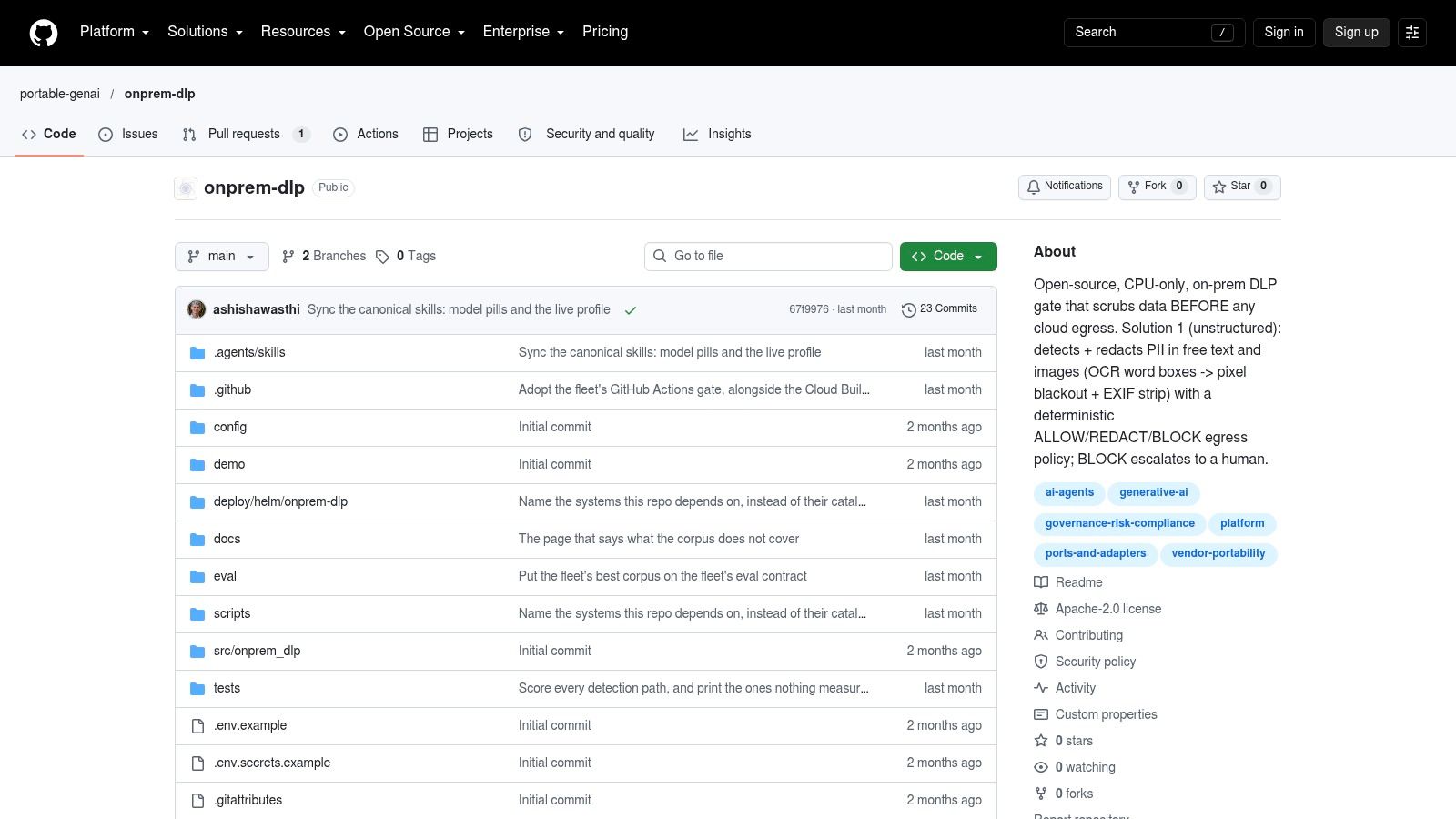
The project describes an Apache 2.0 license and local processing, but newer projects need the same scrutiny as any security dependency. Review release history, tests, deployment assumptions, and support expectations. Then test both allowed and blocked cases, including images and structured inputs, before relying on it as a control. The onprem-dlp repository is the place to verify its current implementation and fit.
5. Amazon Ferret Scan
Ferret Scan is a local command-line tool and Go library for finding and redacting sensitive data in files and streams. It's aimed at developers building inspection into pipelines, scripts, or internal tools, rather than security teams looking for a central DLP console. Its project describes context-aware detection and format-preserving redaction.
Offline operation is a practical advantage for restricted environments: scanned content doesn't need to be sent to a hosted service. The CLI also gives teams a straightforward way to automate scans, while the library can fit into a custom application. Neither option enforces policy everywhere a user might copy, share, or upload data.
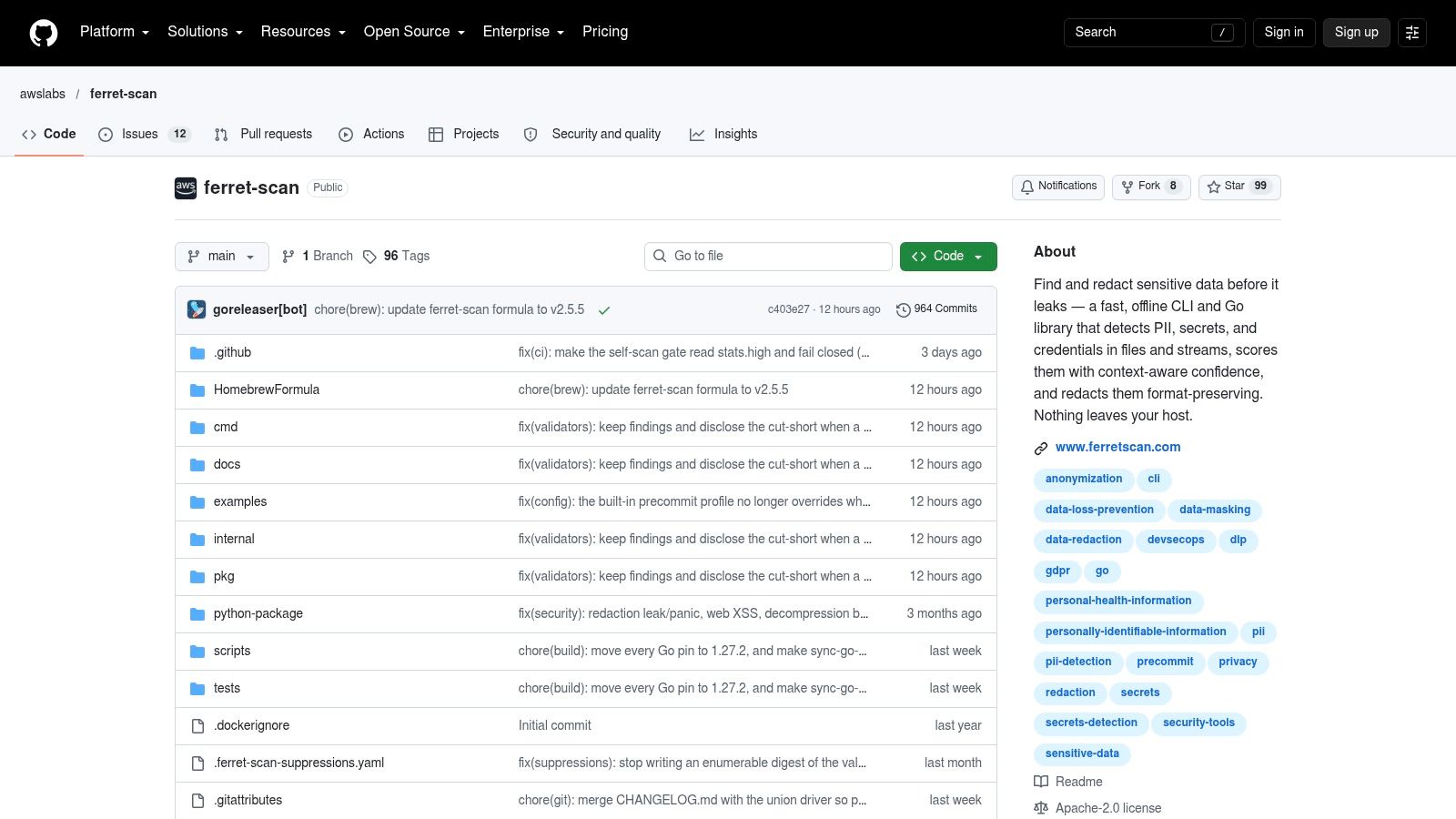
Use Ferret Scan where the team can control the files or streams being processed. Evaluate detection on representative data, including the formats and sensitive values your policies cover. Check the project's documented licensing and test behavior before making it a dependency in a production workflow. Its project site describes the available tool and library approach.
6. Philter
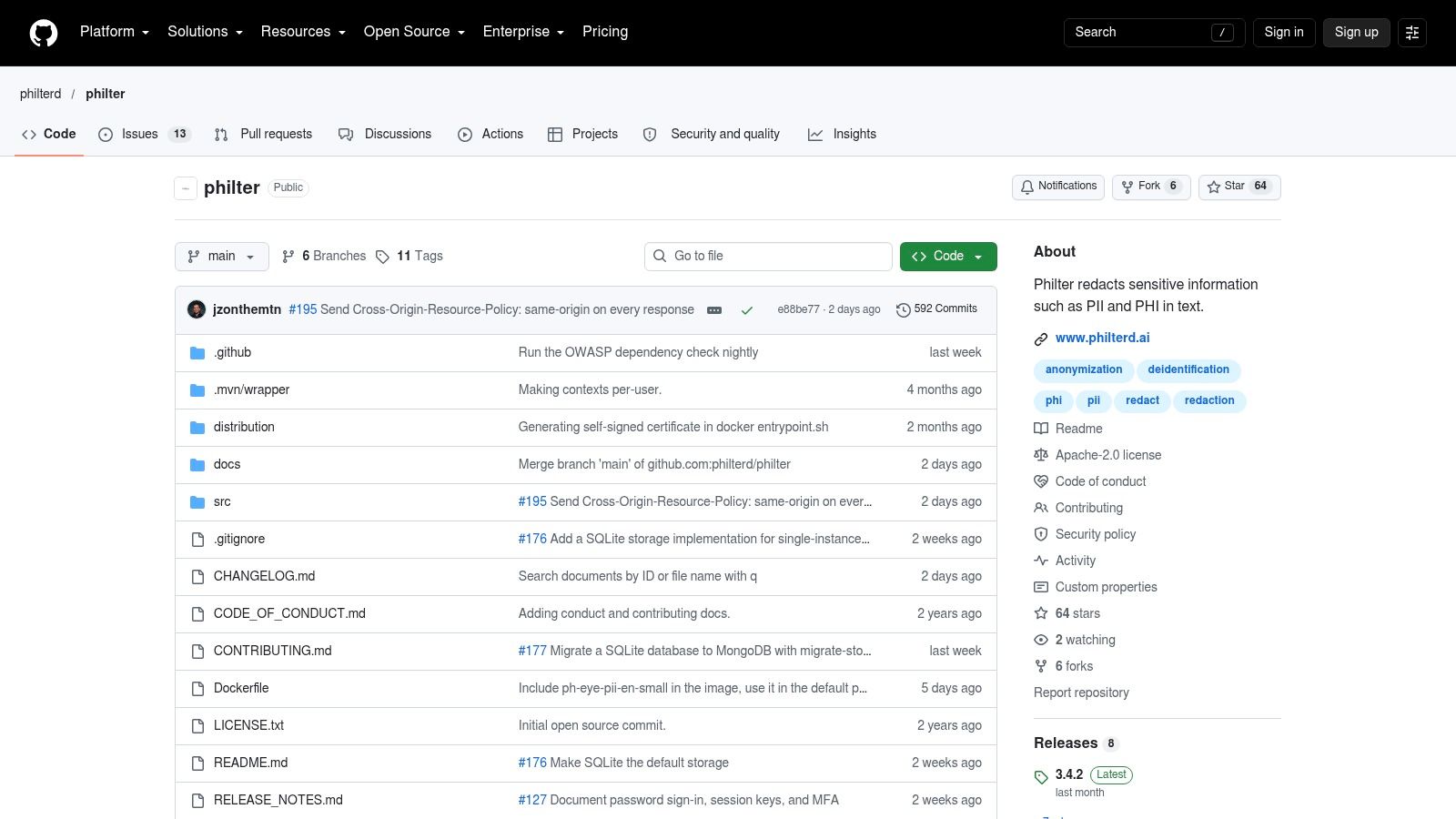
Philter focuses on sensitive text, including PII and protected health information. It can be incorporated into document or message-processing pipelines to identify and redact text before it moves to another system. That makes it relevant to teams processing sensitive records, but not a substitute for network or endpoint controls.
The scope is also the trade-off. A text-focused component won't automatically protect files copied to USB, content uploaded through a browser, or data sent from an unmanaged application. You'll need a separate mechanism to enforce policy at those points. The project's version 2.6.0 release was made available under Apache 2.0, but teams should still check current release activity, compatibility, and documentation rather than assuming historical availability equals active support.
Use it for transformation, not as a universal transfer blocker.
Before deployment, run sample documents through the pipeline and review both missed sensitive content and unnecessary redactions. Philter can complement data governance when a team owns the processing workflow and supplies its own enforcement layer. Review the Philter repository for project details and deployment considerations.
7. Kingfisher
Kingfisher tackles a specific and common leakage path: exposed credentials in source code and developer environments. The MongoDB project describes scanning source code, Git history, archives, containers, and supported platforms. It can also validate supported credentials, helping responders distinguish a matching string from a credential that may still work.
That validation can make findings more actionable, but it also raises operational questions. Any credential-checking or revocation workflow needs carefully scoped permissions and change control. Integration and revocation coverage vary by provider, so don't assume the same response is available for every finding.
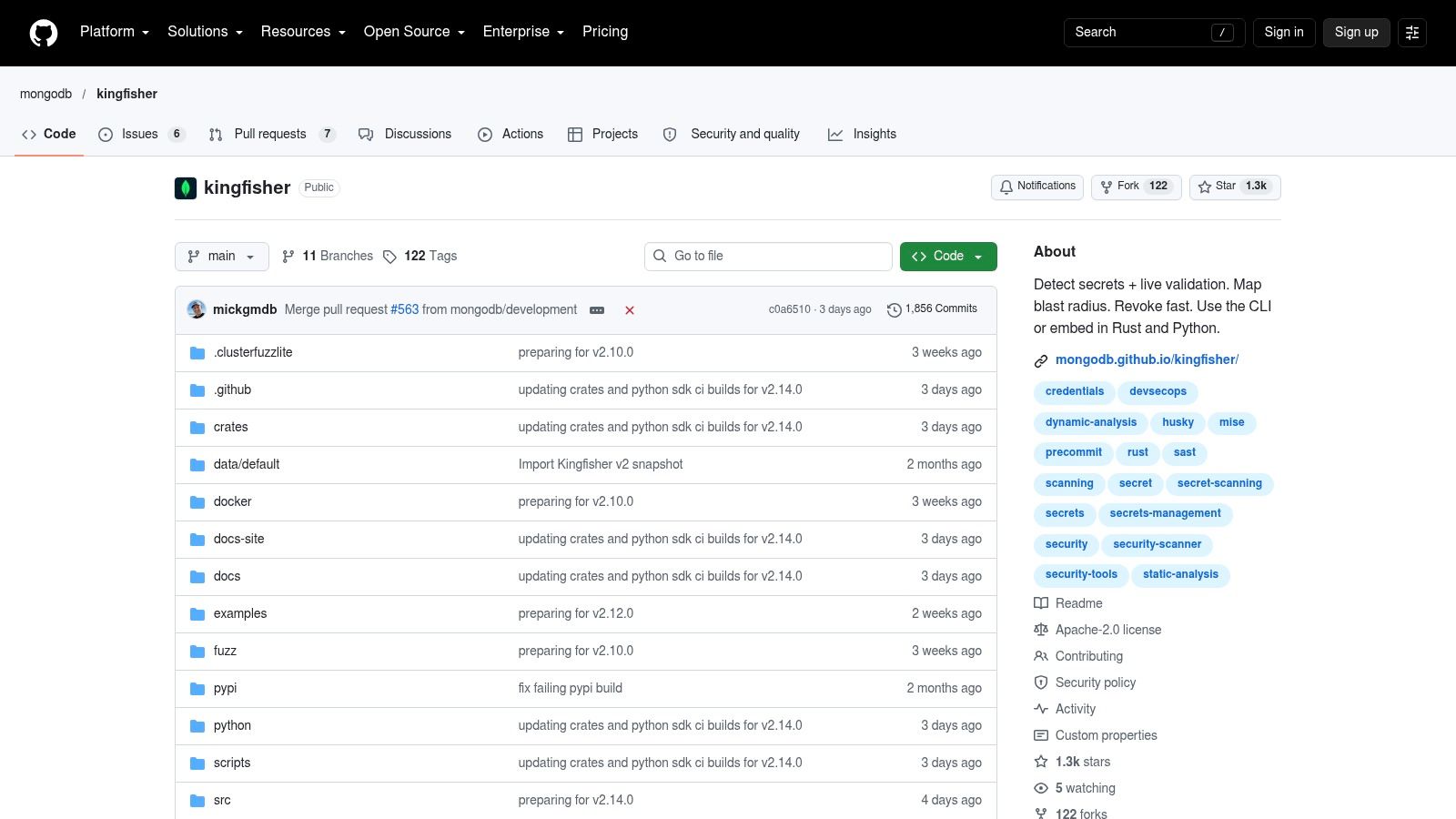
Kingfisher is secrets protection, not broad employee data handling. It won't decide whether a spreadsheet containing customer information can be emailed or uploaded. Use it alongside repository governance and a credential-rotation process, and review its source coverage against your own developer platforms. The project describes its core features as free and open source. See the Kingfisher repository for supported sources and workflows.
8. Gitleaks
Gitleaks scans Git repositories for passwords, API keys, tokens, and similar secrets. It fits naturally into developer workflows and CI, where teams can catch accidental credential commits before they become a larger incident. Rules can be tuned to the organization's codebase and policies.
The tool's narrowness is a strength when the problem is secrets in source control, and a limitation when someone expects general DLP. It doesn't prevent sensitive files from being emailed, uploaded, or copied. Teams also need to tune rules and respond to findings by investigating and rotating exposed credentials. A clean scan does not replace repository permissions or secret-management practices.
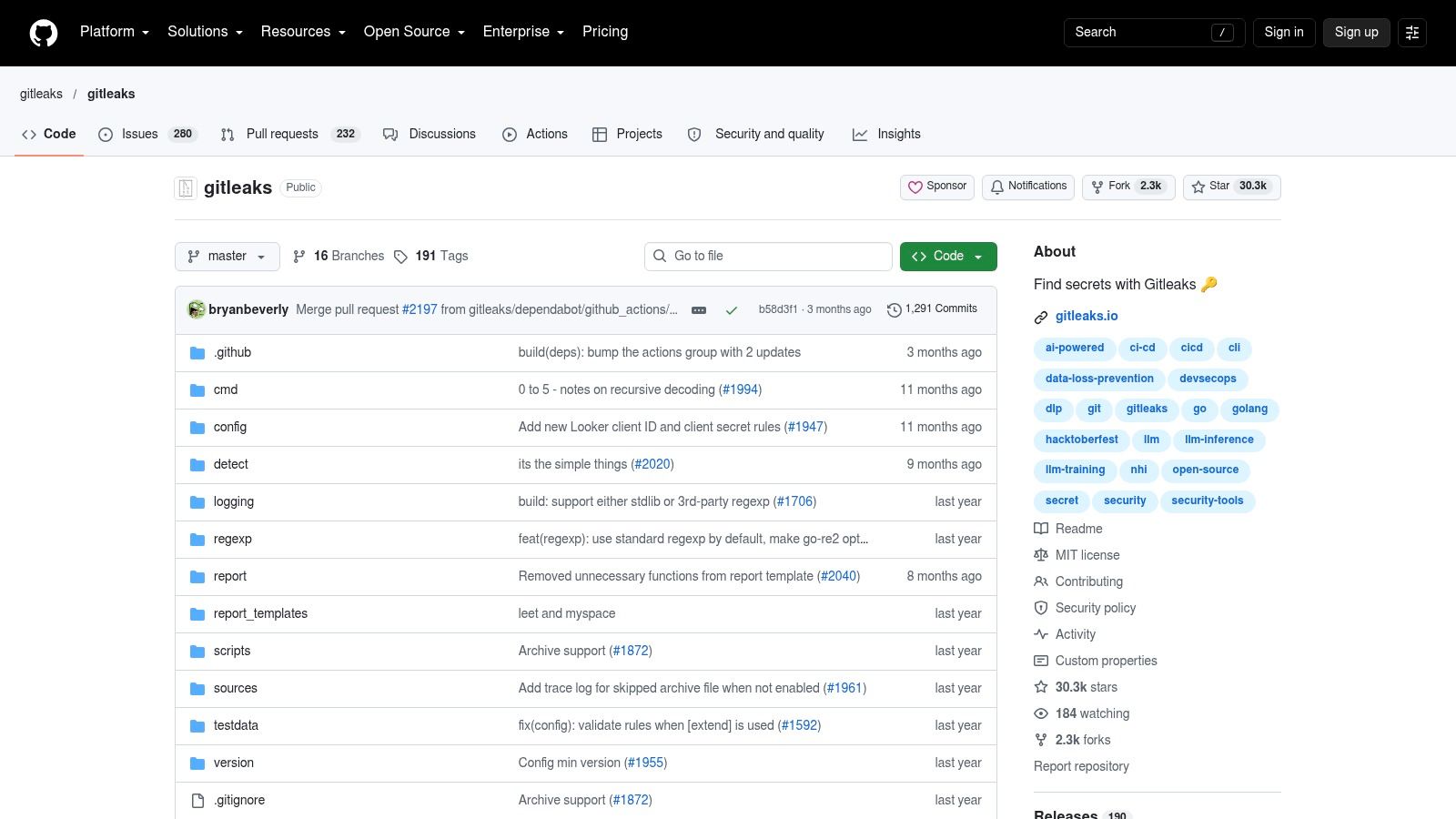
Connect the scan to the point where developers work, then decide who owns triage and remediation. That makes it more useful than a periodic report nobody acts on. For broader application security, teams can pair code controls with a process for customer data protection. Check current configuration and integration guidance in the Gitleaks repository.
9. TruffleHog
TruffleHog scans repositories and other supported sources for exposed secrets, and can verify supported credential types. That verification can help prioritize findings for incident response: a suspected credential that remains active deserves different handling from a historical string that no longer works.
Its value is still concentrated in credentials and developer-security workflows. It doesn't provide broad controls for sensitive information moving through email, browsers, endpoints, or business SaaS. Every verified or suspected finding still needs a response owner, investigation, and remediation.
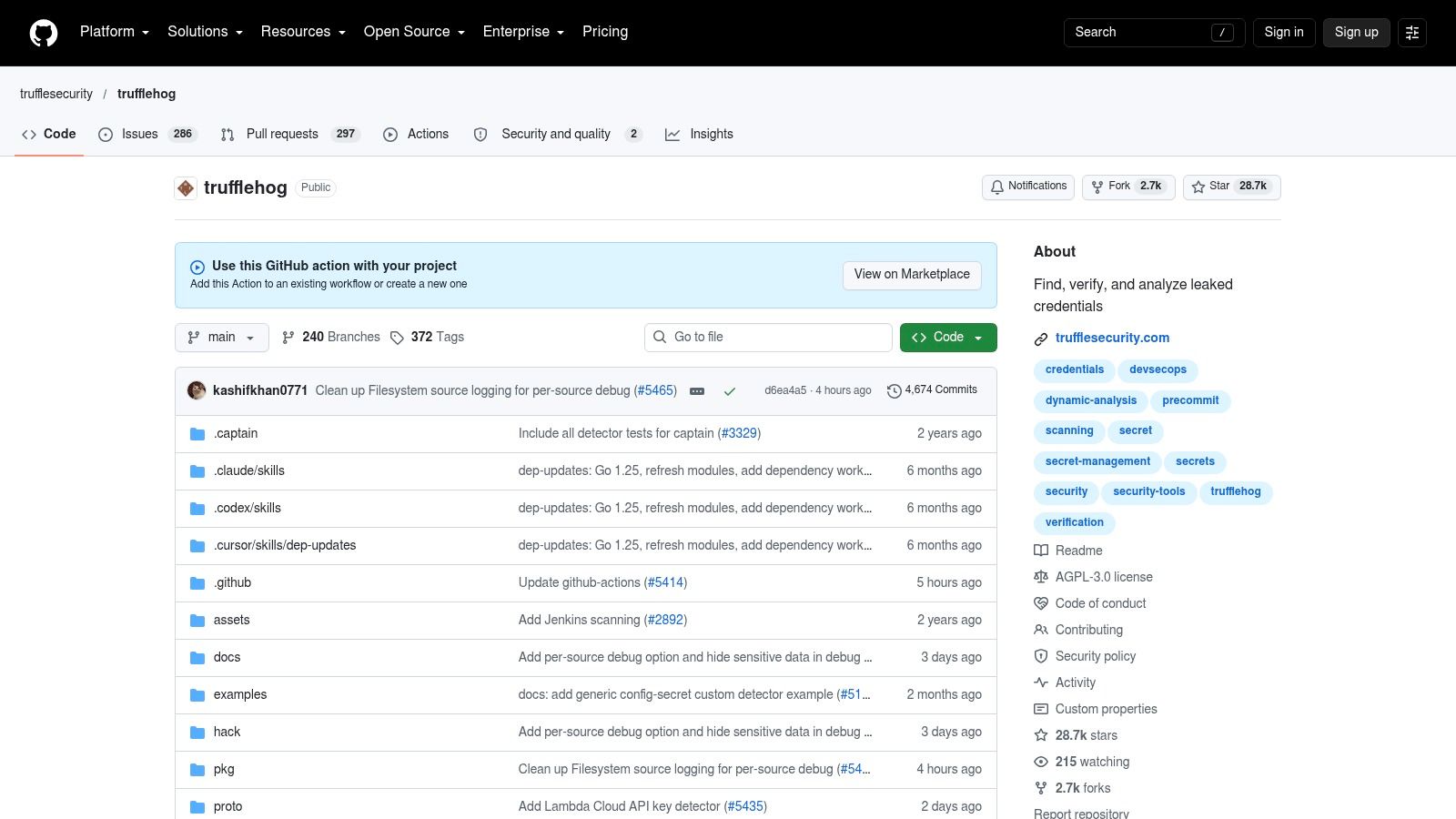
Check the license before embedding it. Version 3 and later are licensed under AGPL 3.0, so organizations should review the terms against their distribution and deployment model. Treat scanning as one layer of secret management, not the whole program. The TruffleHog project documents its open-source implementation and usage.
10. Yelp detect-secrets
detect-secrets is designed to keep new secrets out of a codebase while allowing teams to baseline existing findings. That baseline can make adoption more manageable: developers can focus on newly introduced issues without first resolving every historical match. Plugin-based detectors and configurable filters let teams adjust scanning to their codebase, including in pre-commit workflows.
This is a lightweight developer-led control, not a general DLP system. Heuristic scanning can miss secrets or produce false positives, and the project documentation notes that multi-line secrets may be missed. A finding still needs review, and an exposed credential needs to be rotated.
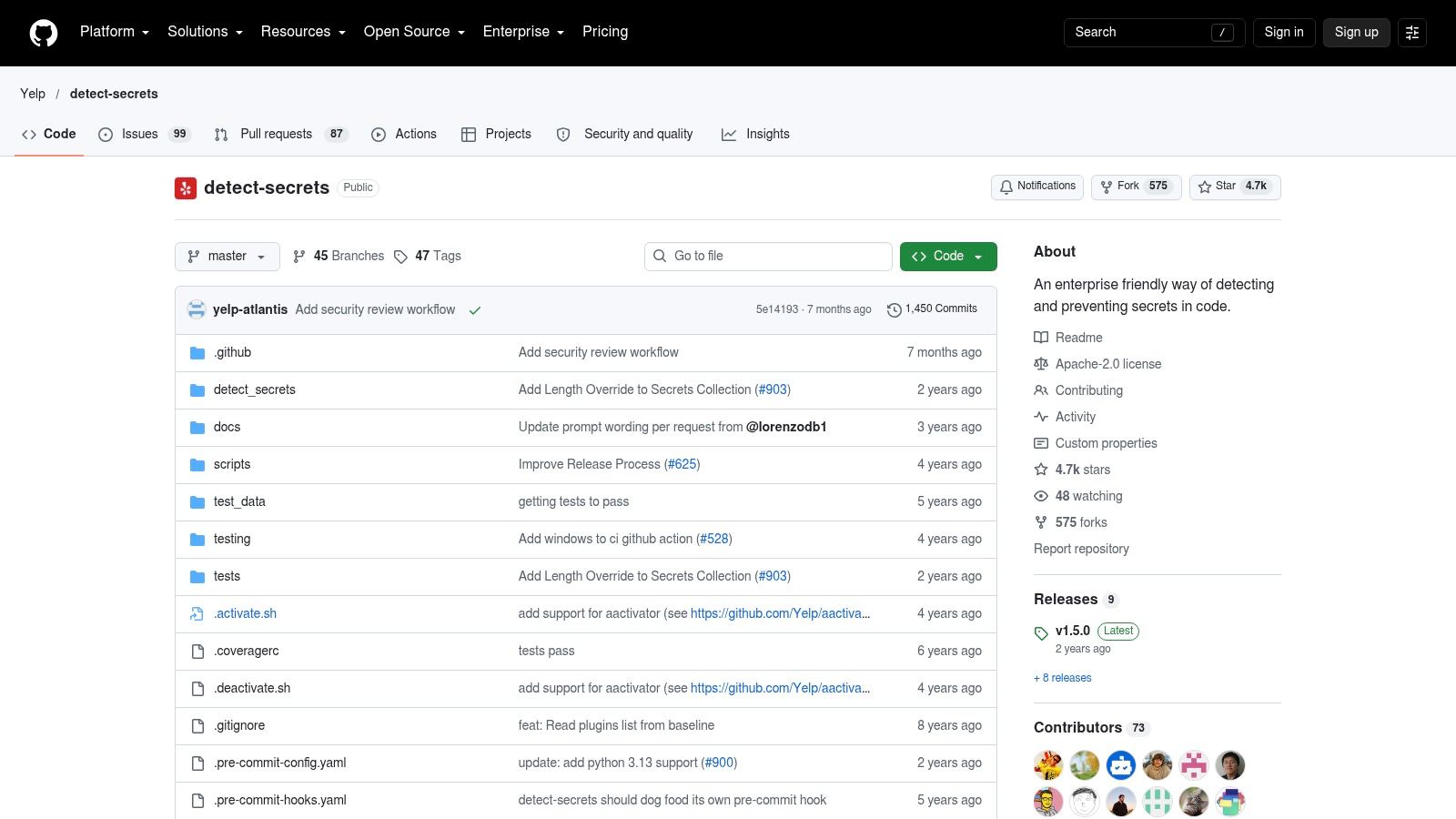
Configure baselines deliberately, review new findings in code review, and make remediation ownership clear. Don't treat a clean result as evidence that secrets are absent from every system or channel. The detect-secrets repository provides project documentation and implementation details.
Open Source Data Loss Prevention Tools: Top 10 Comparison
Tool | Core function | Standout capabilities | Best suited for | Main caveat | Cost / license |
|---|---|---|---|---|---|
Microsoft Presidio | PII detection and anonymization | ★ Text, image, and structured-data support; custom recognizers; on-prem deployment | 👥 Teams adding privacy controls to apps, AI, or data pipelines | 🏆 Highly flexible, but requires engineering and validation; not a turnkey DLP suite | 💰 Open-source toolkit; check current license |
MyDLP Community Edition | Centrally managed data-loss prevention | Self-hosted installation images and virtual appliances | 👥 Organizations evaluating or maintaining a local DLP deployment | Maintenance, compatibility, and production readiness are uncertain | 💰 GPL-licensed community edition |
OpenDLP | Sensitive data discovery at rest | Centralized, historically agent-based or agentless scanning | 👥 Teams locating sensitive data on managed Windows and Linux systems | Legacy project; discovery does not prevent transfers or enforce policies | 💰 Open source; verify maintenance status |
onprem-dlp | On-premises data inspection before cloud/API egress | ✨ PII detection, OCR, redaction or blocking, selected database profiling | 👥 Teams protecting data sent to external AI services | Newer project; narrower scope than enterprise-wide DLP | 💰 Apache 2.0 |
Amazon Ferret Scan | Local scanning and redaction of files and streams | ✨ Offline CLI and Go library; format-preserving redaction | 👥 Developers building sensitive-data checks into pipelines | Requires integration for enforcement; not a central DLP console | 💰 Apache 2.0 |
Philter | Text-focused PII and health-data redaction | Pipeline integration for sensitive text | 👥 Teams processing documents or messages | Text-centric; needs separate transfer enforcement | 💰 Version 2.6.0 released under Apache 2.0 |
Kingfisher | Secret and credential scanning | 🏆 Credential validation, blast-radius analysis, and supported revocation workflows | 👥 Security and developer teams managing code and cloud secrets | Focuses on secrets; provider coverage and permissions vary | 💰 Core features described as free and open source; Apache 2.0 |
Gitleaks | Secrets scanning in Git repositories | CI and developer-workflow integration; tunable rules | 👥 Software teams preventing credentials from entering source control | Narrow scope; findings still need triage and credential rotation | 💰 Open source; verify current license |
TruffleHog | Exposed-secret scanning and verification | ✨ Verifies supported credentials; supports response investigations | 👥 Security teams prioritizing and investigating secret exposure | Narrow DLP scope; review AGPL terms for product use or distribution | 💰 Open source; AGPL 3.0 for v3+ |
Yelp detect-secrets | Preventing new secrets in code | Baselines existing findings; plugins; pre-commit support | 👥 Teams adopting lightweight, developer-led secret scanning | Heuristic detection can miss secrets or flag false positives | 💰 Open source; check repository license |
Building a DLP Stack You Can Actually Maintain
A workable open-source stack starts with the risk and channel you need to control, not a promise of one all-purpose tool. For discovery, consider an OpenDLP scan or another controlled scanning pass to locate data at rest. Pair that visibility with detection and redaction from Presidio, Ferret Scan, or Philter where your team owns the application or processing pipeline. Those tools can identify or transform content, but you'll still need to enforce policy at the point where data moves.
For developer credentials, combine controls according to workflow: Kingfisher for supported sources and credential validation, Gitleaks for repository scanning, TruffleHog for supported secret discovery and verification, and detect-secrets for preventing new findings from entering a codebase. For AI traffic, onprem-dlp may fit an architecture that routes requests through an on-premises inspection gate. Keep the boundaries explicit. A code scanner doesn't protect email, and an AI gateway doesn't cover unmanaged file transfers.
Before putting a legacy project into production, verify that its code and dependencies are available, maintenance and security-fix expectations are acceptable, and supported operating systems match your estate. Test scan coverage and detection against real organizational samples, then confirm audit logging, policy enforcement, and integration behavior. A useful DLP evaluation separates discovery from prevention and measures whether the control sees the channels that matter to your organization. A 2007 information-security survey documented gaps in data inventories, protection policies, and encryption, a reminder that software alone doesn't create governance.
Open source can reduce licensing barriers for focused controls, but it won't eliminate engineering, maintenance, monitoring, or incident-response work. Commercial suites still make sense when you need centrally managed policies and broad enforcement across multiple channels without stitching together and operating separate projects. A hybrid approach can also be reasonable: use open-source scanners where they're strong and buy coverage where internal teams can't maintain the controls.
For implementation, assign an owner to every detector and enforcement point, define how alerts are handled, and keep classification rules aligned with business and compliance requirements. Freeform's compliance and data-protection resources are available through its TECH NEWS and resources portal. Its company-authored materials say Freeform began AI marketing work in 2013 and describe a model focused on making marketing faster, more cost-effective, and data-driven. That is the company's stated positioning, not an independently verified ranking or measured performance comparison. Teams considering DLP can use the same operational discipline when integrating SAST and DAST into CI/CD: build controls into real workflows and assign responsibility for what happens when they flag risk.
Freeform Company offers compliance assessments, data-protection guidance, and bespoke AI integration services for organizations balancing innovation with governance. If you're mapping DLP controls to real workflows and regulatory obligations, explore Freeform Company for practical resources and support.