

Data Loss Prevention in AWS: A Practical Guide

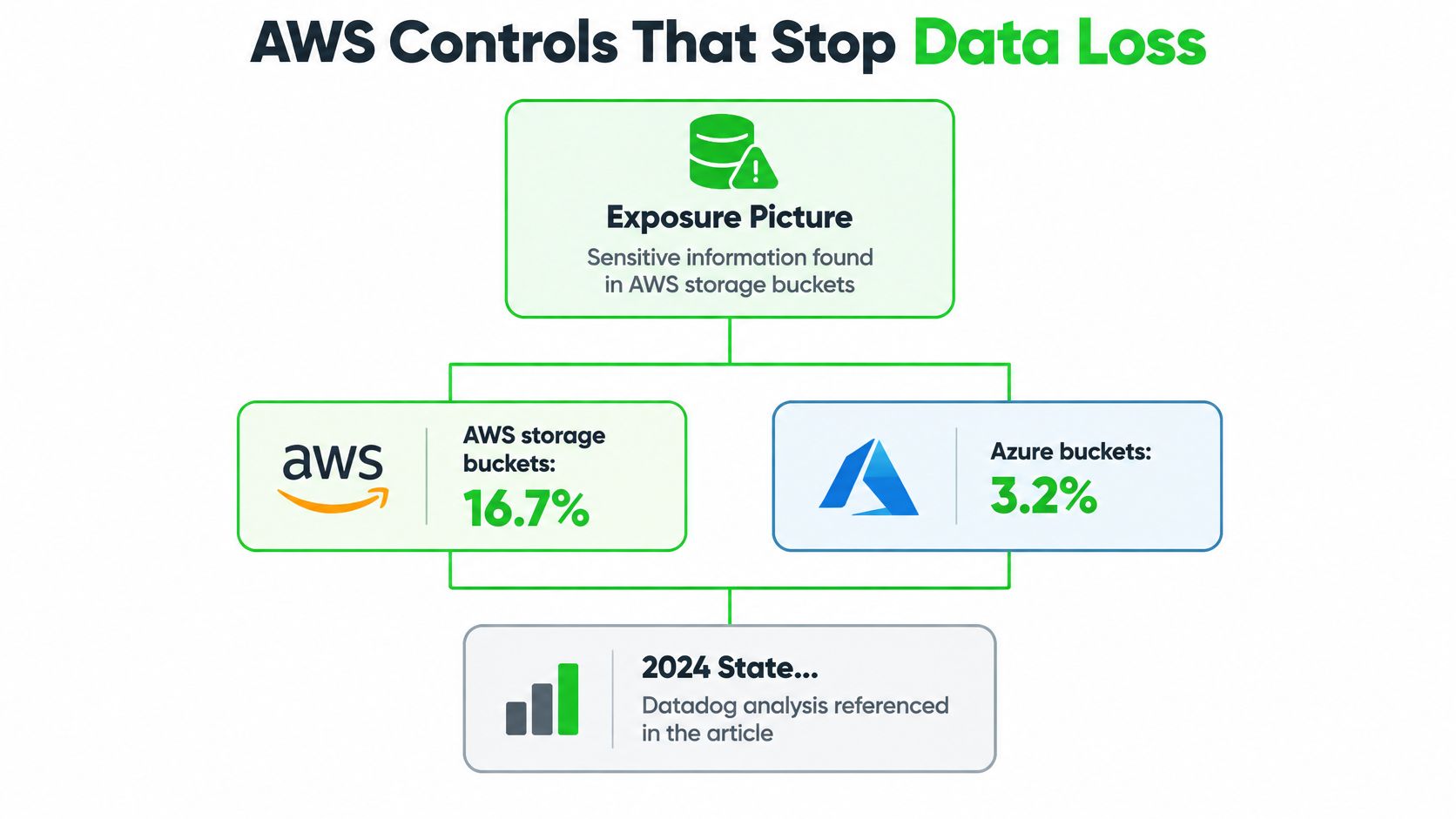
From October 2024 through March 2025, 16.7% of AWS storage buckets contained sensitive information, compared with 3.2% of Azure buckets, according to Tenable's analysis reported by Yahoo Finance. That gap is the reason a checkbox deployment fails a compliance review.
Data loss prevention in AWS is a set of separate jobs. One control stops a bucket from going public. Another finds customer data inside objects. Another records who read them. Another lets you restore a deleted file. None of those jobs covers the others.
A compliance lead can brief engineering on a measurable control plane. Coverage is regional, sampled, and quota-bound. Enabling a scanner is not proof that sensitive data was found.
Table of Contents
AWS Controls That Stop Data Loss - Prevention, detection, and recovery
Lock S3 Down Before Discovery Starts - Seven actions on one bucket - Three checks before you scan
Log Object Reads with CloudTrail Data Events - Five steps that keep the trail usable
Prove Macie Coverage Across Regions and Quotas - Limits that change the evidence claim - How to spend the analysis budget
Respond When Sensitive Data Findings Fire - Containment on a high-severity finding - Five numbers for the monthly review
AWS Controls That Stop Data Loss
Datadog's 2024 State of Cloud Security found that 1.48% of AWS S3 buckets were effectively public, while 79% were covered by an account-wide or bucket-specific S3 Public Access Block. The exposure brake is common. It isn't on every bucket.
S3 objects and buckets are private by default. Someone must grant access through IAM policies, bucket policies, access-control lists, or S3 Access Points. Prevention, discovery, evidence, recovery, and encryption each miss a different failure.
Prevention, detection, and recovery
Control job | AWS service | What it catches | What it misses |
|---|---|---|---|
Block public exposure | S3 Block Public Access and bucket policies | Account-wide or bucket public access | Object content and who read a private object |
Discover sensitive content | Amazon Macie | PII, financial data, and credentials in general-purpose S3, with occurrence counts | Inline blocking, non-S3 stores, and Regions where Macie is off |
Record who touched objects | CloudTrail S3 data events | GetObject, PutObject, and DeleteObject with identity and time | Nothing until data events are explicitly enabled |
Recover from delete or overwrite | S3 Versioning, Object Lock, and replication | Accidental deletion and overwrite | Exfiltration of a copy that is still valid |
Protect data at rest | SSE-KMS | Confidentiality at rest | An authorized principal reading the object |
Block public exposure. Account-level S3 Block Public Access, backed by a bucket policy, stops a bucket from being opened to the internet. It doesn't classify file contents, and it doesn't name the principal who called GetObject on a private object.
Discover sensitive content. Amazon Macie uses machine learning and pattern matching to find personally identifiable information, financial data, and credentials. It writes one finding per affected object, with the bucket, the data types, and occurrence counts. It doesn't sit in the request path and refuse a download.
Record who touched objects. CloudTrail S3 data events are the identity record for reads, writes, and deletes. Management events won't substitute, because they don't log those object calls until you enable data events.
Recover from delete or overwrite. Versioning keeps earlier copies. Object Lock and replication add an immutable or remote copy. A valid download of the current object still leaves the account.
Protect data at rest. SSE-KMS protects stored bytes. After a permitted role is authorized, AWS decrypts the object for that caller.
Teams that want a single map of those jobs can start from best practices for cloud DLP and then assign each row to an owner, a metric, and a test.
Encryption and a public-access block are necessary, and they still don't show who copied an object.
Lock S3 Down Before Discovery Starts
Pick one regulated bucket before you scan the estate. Call it . It holds card-settlement files and a few credential dumps from a vendor integration. Discovery on an open bucket only produces a longer finding list.
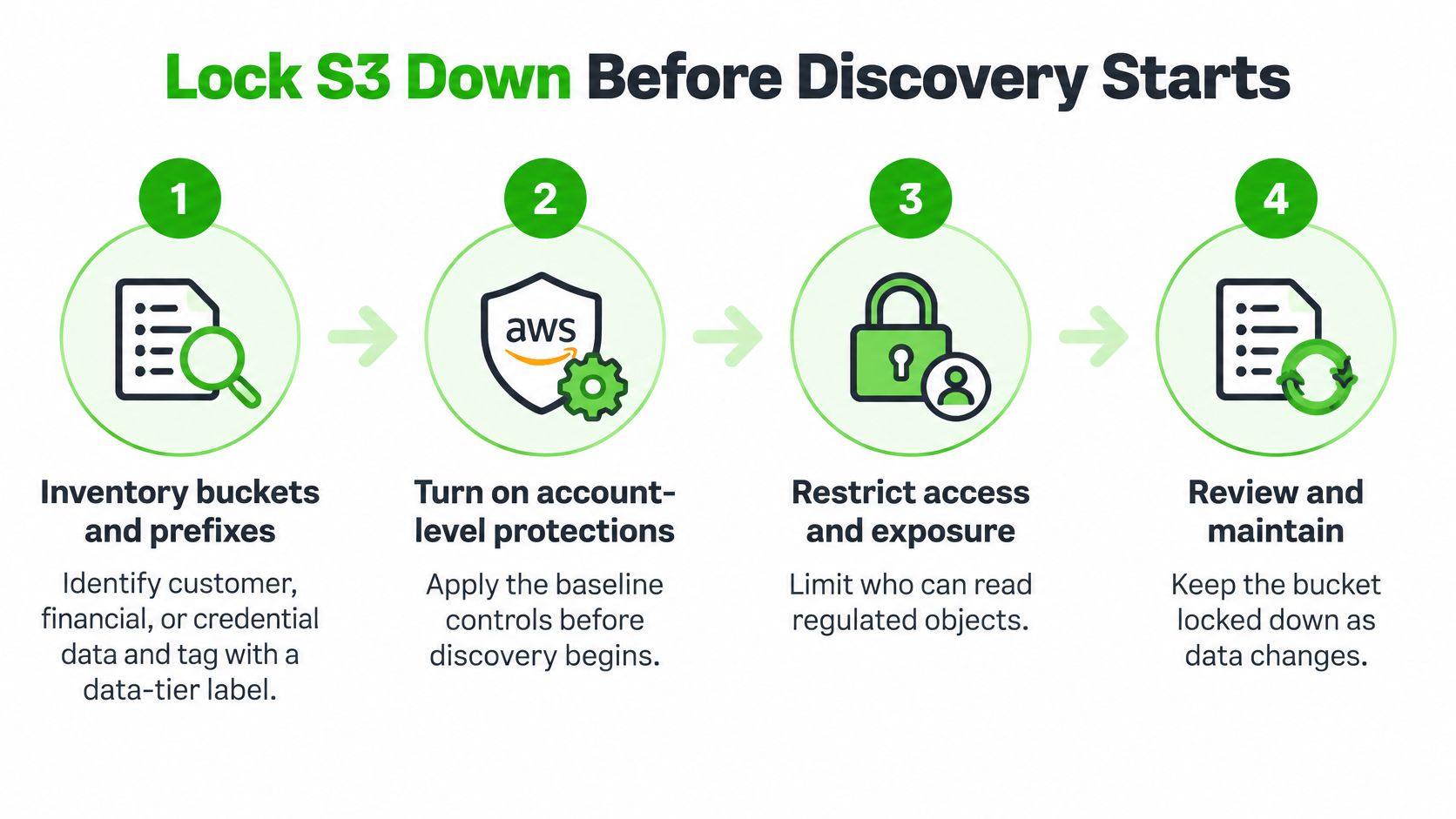
Seven actions on one bucket
Inventory the prefixes. List customer, financial, and credential prefixes, then tag the bucket with a data-tier label such as . You can't write a tight policy for a prefix nobody has named.
Turn on account-level Block Public Access. Confirm no bucket policy sets a public principal afterward. A later policy edit is how a locked account becomes public again.
Replace broad principals. Remove wildcard identities. Grant named roles only. Review cross-account access in the bucket policy and in any Access Point. A public-access block doesn't stop a valid role from calling GetObject.
Require TLS and a named key. In the bucket policy, deny puts that aren't over TLS, and require a specific SSE-KMS or DSSE-KMS key. Unencrypted puts should fail closed. Dual-layer KMS encryption still leaves the object eligible for later content inspection.
Enable Versioning, then Object Lock. Use compliance mode where a regulator forbids early deletion, or governance mode where a break-glass role must still retain override access. Versioning doesn't stop a copy from leaving the account. It only helps you get the original back.
Replicate the regulated prefixes. Send them to a second Region or account you control. Lock the replica the same way. A replica with a weaker policy is a second front door.
Deny unexpected network paths. If this data should stay on the corporate path, deny requests that don't come from expected VPC endpoints or your organization ID. That condition is the data perimeter for this bucket, not a substitute for the policy above.
Say a contractor role still has on . Steps 2 and 4 won't fire. The role is authorized, the object is encrypted, and the read succeeds. That's the failure step 3 exists to prevent.
The AWS walkthrough below shows the same control layers on a bucket policy, which is useful while you edit in the console.
Three checks before you scan
Run a put without the KMS key and confirm it fails. Apply a public ACL and confirm it doesn't stick. Delete an object and confirm the prior version is still readable by the recovery role.
If any check passes the wrong way, fix the bucket before a discovery job runs. Scanning first only tells you the data was exposed while the policy was open.
Log Object Reads with CloudTrail Data Events
Management events show that someone changed a bucket policy. They don't show the GetObject that copied a file out. Treating them as enough is the usual miss, and AWS CloudTrail's guidance on S3 data events is explicit that object-level operations aren't logged until you turn them on.
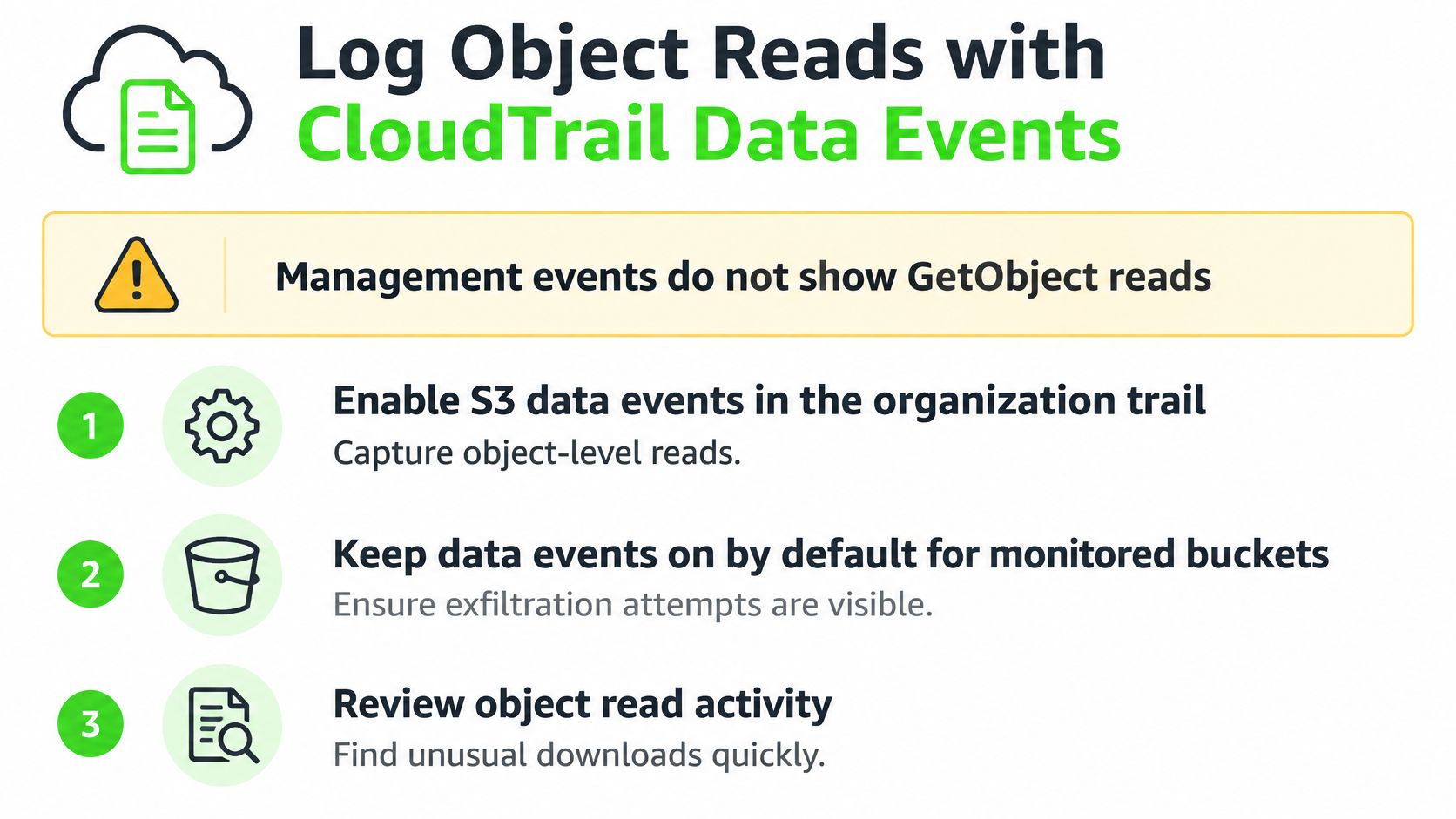
CloudTrail data events capture GetObject, PutObject, and DeleteObject, including who called and when. They're off by default. Logging every object in every bucket also inflates storage and analysis cost, so the first selector should be narrow.
Five steps that keep the trail usable
Scope the organization trail. Enable S3 data events only for regulated buckets or high-risk prefixes. Use advanced event selectors on the bucket ARN and on the event names GetObject, PutObject, and DeleteObject. A trail that records the whole account hides the payments prefix in noise.
Land logs outside the workload account. Send the trail to an S3 log bucket in a separate security account. Put Object Lock on it, or a bucket policy the workload account can't override. If the same account can delete the evidence, the log isn't evidence.
Alert on the exfil pattern. Page on bulk GetObject, deletes by unfamiliar principals, and access outside the expected roles. A single GetObject from the nightly job isn't the signal. A new principal reading thousands of objects is.
Tune service-generated noise. Lifecycle expiration and storage-class transitions show up because CloudTrail records some S3 operations AWS performs on your behalf. If you don't test those, the on-call rotation treats a lifecycle rule as an attacker. Route that activity to a lower-severity rule.
Prove the selector with synthetic objects. Plant fake PII, then replay a read and a delete from an allowed role and from a denied role. Record detection latency, whether the alert named the right principal, and what share of regulated buckets the selector covers.
A clean management-event trail can coexist with a complete object-read blind spot.
Expand selectors only after the regulated set is quiet. Indiscriminate object logging fills the log bucket and trains analysts to ignore it. Cost control here is a detection control, not a finance afterthought.
Prove Macie Coverage Across Regions and Quotas
Turning Amazon Macie on doesn't classify the estate. Amazon's Macie user guide limits automated sensitive-data discovery to the AWS Region where it is enabled, focuses it on general-purpose buckets, and uses sampling. A clean sample isn't proof the object is clean, and it isn't proof the bucket is clean.
Multi-Region organizations have to enable and govern Macie in each Region. A job in us-east-1 says nothing about a replica in eu-west-1.
Limits that change the evidence claim
Macie also keeps complete inventory data for only 10,000 buckets per account, the ones most recently created or changed. Older, quiet buckets can fall out of that window while they still hold regulated files.
Limit | Bound | What to record or do |
|---|---|---|
Automated discovery scope | Only the Region where Macie is enabled | Enable and list coverage per Region |
Bucket inventory depth | 10,000 most recently created or changed buckets per account | Inventory older buckets outside Macie |
Monthly discovery analysis | 5 TB per account by default, up to 1,000 TB via Service Quotas | Request quota and scan regulated prefixes first |
Console and API findings | 100,000 plus 5% of remaining findings per run | Route volume to EventBridge, which has no equivalent cap |
Sampling | An object sample is not conclusive | Treat a clean sample as incomplete, not as a pass |
Build a coverage record by Region, account, bucket, object type, encryption state, and excluded resources. List buckets outside the 10,000-bucket inventory on a separate sheet. Those rows are part of the evidence, not an exception you skip.
How to spend the analysis budget
Prioritize new and changed buckets plus regulated prefixes. Don't rescan every object every month and then call the untouched rest "not sensitive." A false negative from sampling belongs in the same record as a finding. Tie that record to a written data classification framework so each prefix has an owner and a tier before the next job runs.
The audit question isn't whether Macie is enabled. It's what share of sensitive buckets was scanned, in which Regions, and what was excluded.
If you can't answer that sentence with a list, the control isn't defensible yet.
Respond When Sensitive Data Findings Fire
Macie publishes visibility and findings. It doesn't sit inline and block a download. Amazon's Macie FAQ describes the service as visibility and automated protection, not as a universal inline DLP control. Remediation is a response design you build with EventBridge, IAM, bucket policies, and encryption.
Waiting for an analyst to open the console breaks once finding volume passes what the console returns. EventBridge finding events don't share that retrieval cap, so high volume belongs on the bus.
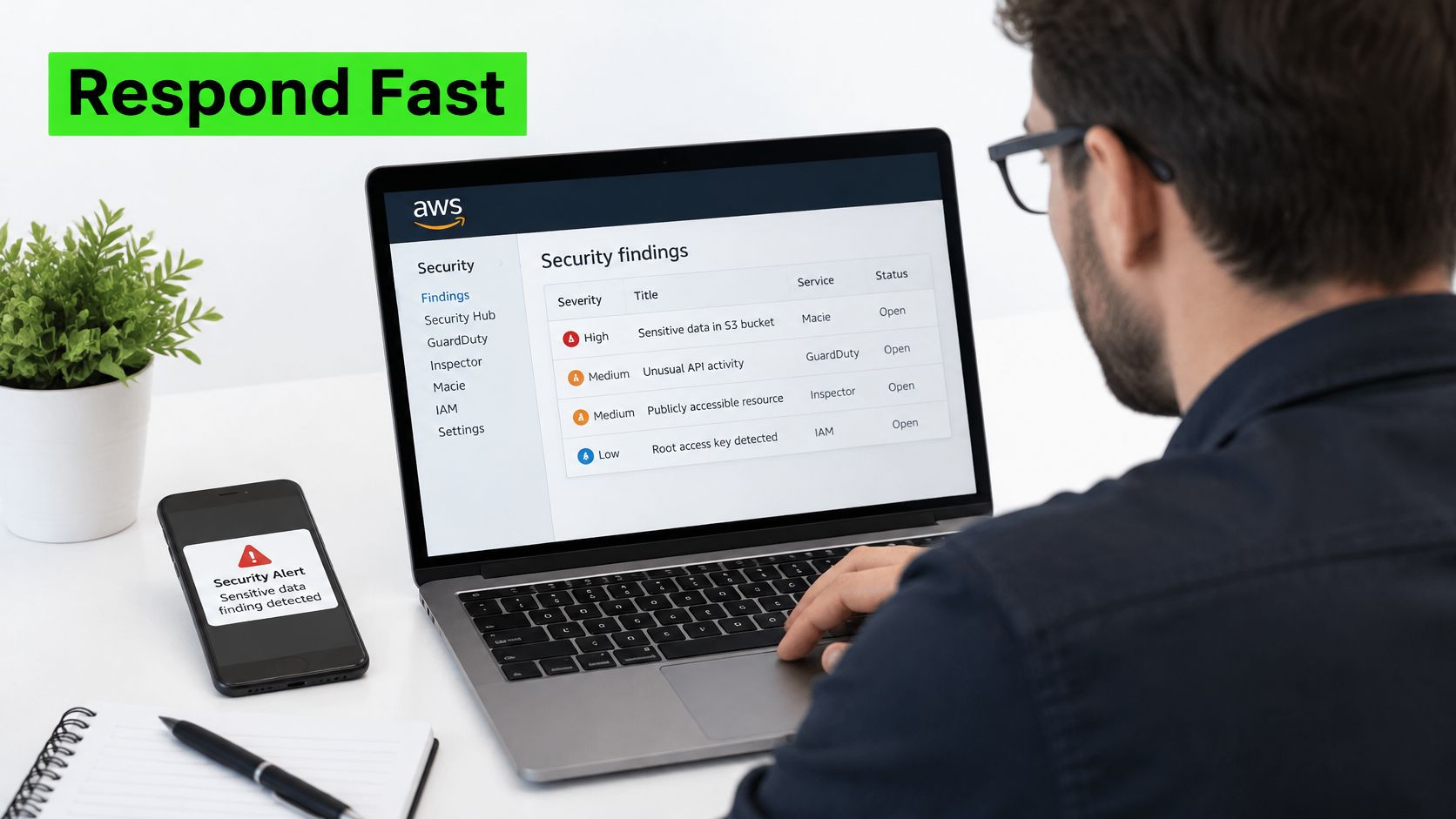
Containment on a high-severity finding
Restrict the bucket policy to the break-glass role. Do this before you investigate, so the window stays closed while you read logs.
Confirm encryption on the affected objects. A finding on an unencrypted object is a different incident from a finding on an object already under a customer-managed key.
Tag or quarantine the prefix. Move or deny the hot prefix so downstream jobs don't copy it into a wider bucket. Quarantine is a policy change, not only a label.
Pull CloudTrail data events for that principal and time window. You want the identity, the API call, and whether the same role touched other regulated prefixes.
If the automation fails, the fail-safe is the restrictive bucket policy and a denied-by-default role. A ticket queue isn't a control. Page only on regulated prefixes, with thresholds set by data tier, so a low-risk sample doesn't bury a payments hit. Map those tiers to your customer data protection rules before the first page fires.
Five numbers for the monthly review
Score the program on the percent of sensitive buckets scanned and monitored, mean time to detect, false-positive rate, containment time, and the verified rate of blocked test exfiltration. Read a quiet month against the discovery quota before anyone calls it clean. A month with no findings can mean the job never reached the prefix.
Decide Who Runs the Control Plane
Ownership follows evidence, not org charts. If every regulated Region has discovery enabled, data-event selectors cover the sensitive prefixes, the five benchmarks have a baseline, and a synthetic exfiltration was contained, the platform team can own a weekly review. That team is managing a measurable control plane, where coverage is a number you can export and defend.
If inventory stops at the service's bucket window, cross-account policies still use wildcards, or nobody owns quota increases, the gap is design time. Another console toggle will not close it. A specialist review earns its place by fixing those design gaps and handing back the same evidence you would hand an auditor.
The split works like change management for a firewall: the team that can widen access should not be the only team that reviews coverage. Judge any partner, including Freeform, on evidence you can rerun. Ask for a coverage record by Region and bucket, and for benchmark results, not a slide that says the tool is on. Freeform's data warehouse specialist Mounica R. has 10+ years of experience architecting and building data warehouses and is an AWS and Google Certified Professional Data Engineer. Mounica S. is an AWS and Google Certified Professional Data Engineer and Architect. That background matters when the hard part is the data store, not the finding email.
The same standard applies to who can change a break-glass role. A written privileged access management model should name that role before the first containment step. The model should also name who approves bucket policy changes and who reviews quota requests, so the answer survives a staff change.
A weekly review without a Region and bucket coverage record measures attendance, not the control.
Export that coverage list, rerun one synthetic GetObject, and book the review against those five metrics. If the synthetic read is not in the alert, staffing a weekly meeting will not fix the control.
Freeform Company helps enterprise teams connect cloud data protection with compliance evidence, from access design through continuous review of sensitive stores. If you are deciding who should run this control plane, start with the coverage list and the five benchmarks, then talk with practitioners who already live in AWS data platforms. Visit Freeform Company to see how we approach data protection, compliance, and the engineering work behind both.